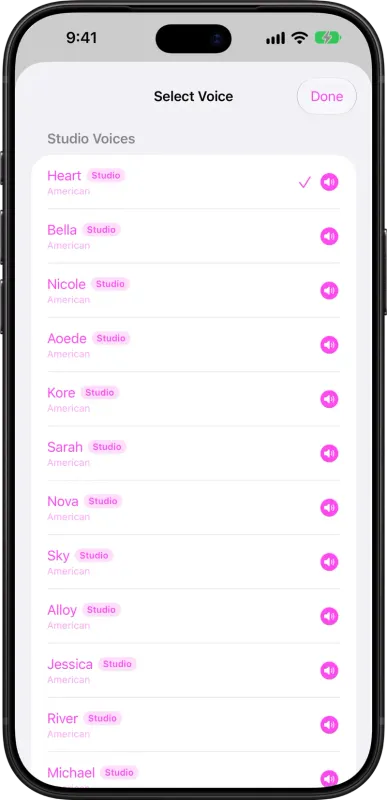
Free Chrome extension that makes web pages easier to read for dyslexia, ADHD, and new readers.
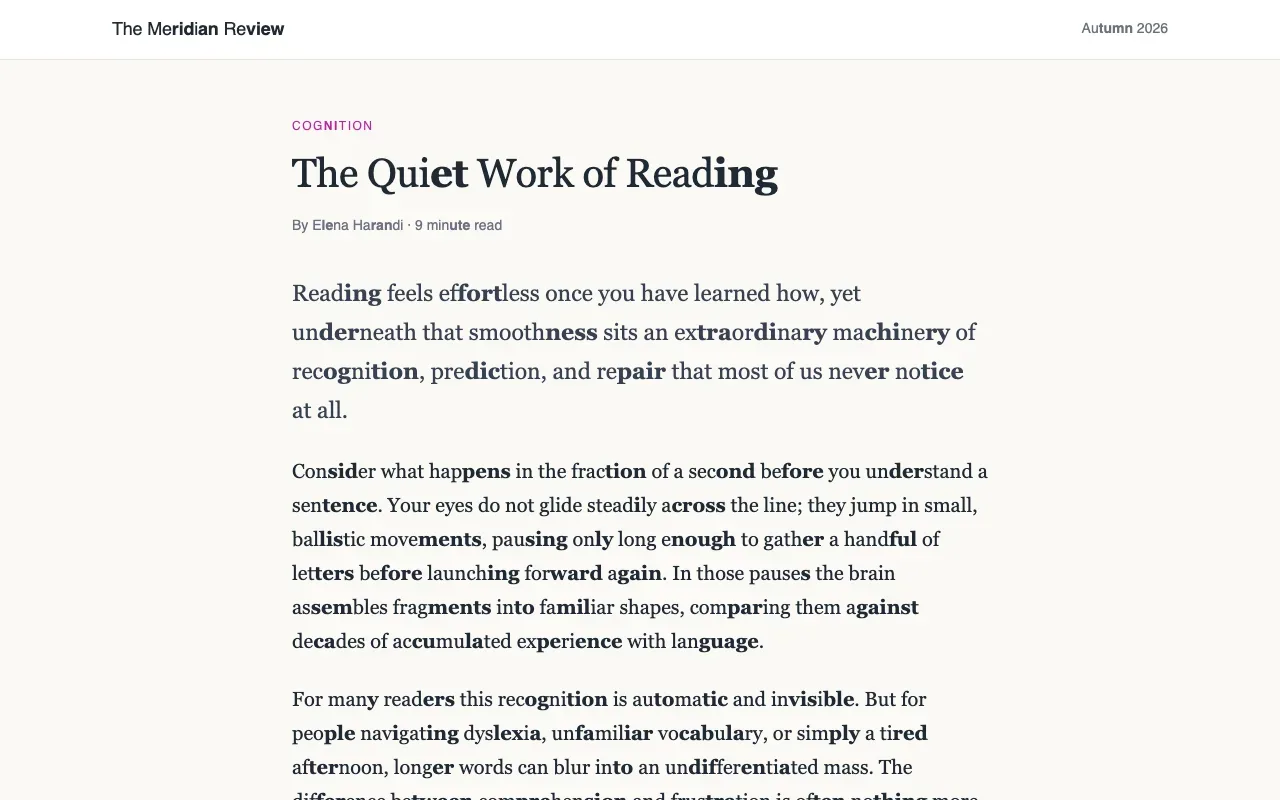
Reader Assist settings and reading ruler on a web page
Overview
What is Reader Assist?
Make every page easier to read.
Reader Assist is a free Chrome extension designed to make web pages easier to read for people with dyslexia or ADHD, children learning to read, and anyone who finds dense text difficult.
Features
- Splits long words into syllables
- Highlights alternating syllables or consonant-vowel pairs
- Adds a pointer-following reading ruler
- Customizes fonts, text size, letter and word spacing, and ruler colours
- Displays articles in a simplified reader view that removes ads, menus and sidebars
- Applies reading settings across Chrome pages
No account is required, and it can be installed on Chromebooks and other computers running Chrome.
Platforms and languages
Reader Assist Availability
Platforms
Languages
Capabilities
Reader Assist Key Features
Syllable splitting
Splits long words into syllables so they are easier to decode and read.
Syllable and letter-pair highlighting
Highlights alternating syllables or consonant-vowel pairs to make word shapes clearer.
Adjustable reading ruler
A reading ruler follows the pointer and helps readers keep their place on the line.
Best for
Who uses Reader Assist?
Readers with dyslexia or ADHD
Making long web articles easier to read with syllable highlighting, a reading ruler and a simplified reader view.
Plans and access
Reader Assist Pricing
Free
Reader Assist is free to install and use. It requires no account, and there are no paid plans.
Common questions
Reader Assist FAQs
Does Reader Assist cost anything or require an account?
No. Reader Assist is a free Chrome extension and requires no account. Settings follow you across Chrome pages.
Reader Assist Alternatives
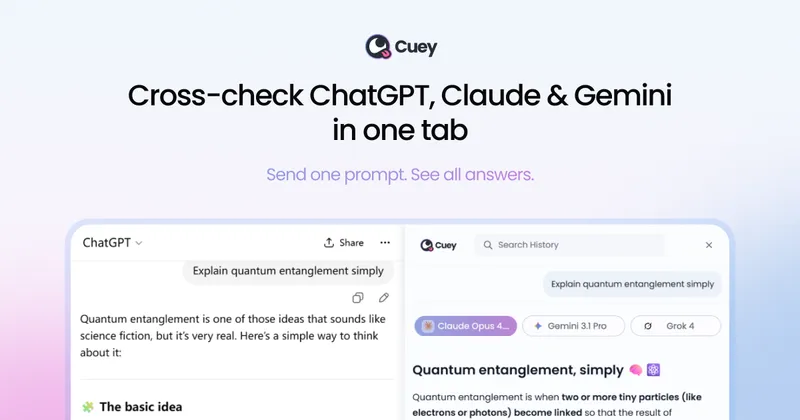
 Poe AI ChatPoe lets you ask questions, get instant answers, and have back-and-forth conversations with AI. Gives access to GPT-4, gpt-3.5-turbo, Claude from Anthropic, and a variety of other bots.5.0(1)
Reviews
See what the community thinks and share your experience.
—
Based on 0 ratings
Rating distribution
Community reviews
No reviews
No written reviews yet.