Edit text in any image and keep the original font, color and style.
Retypit editing text in an image
Overview
What is Retypit?
Edit text in any image and keep the original font, color and style.
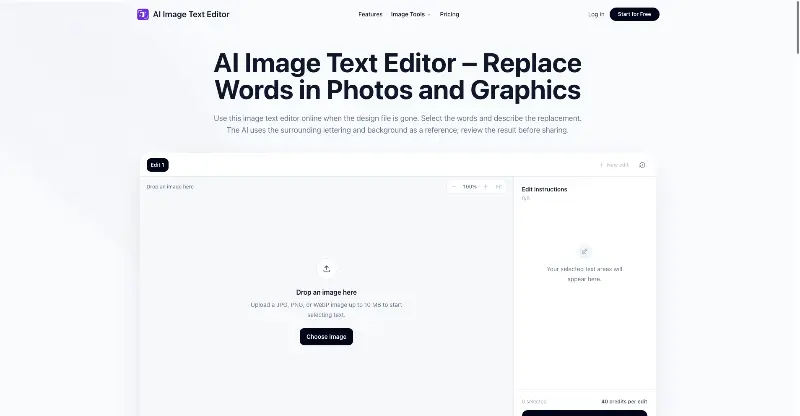
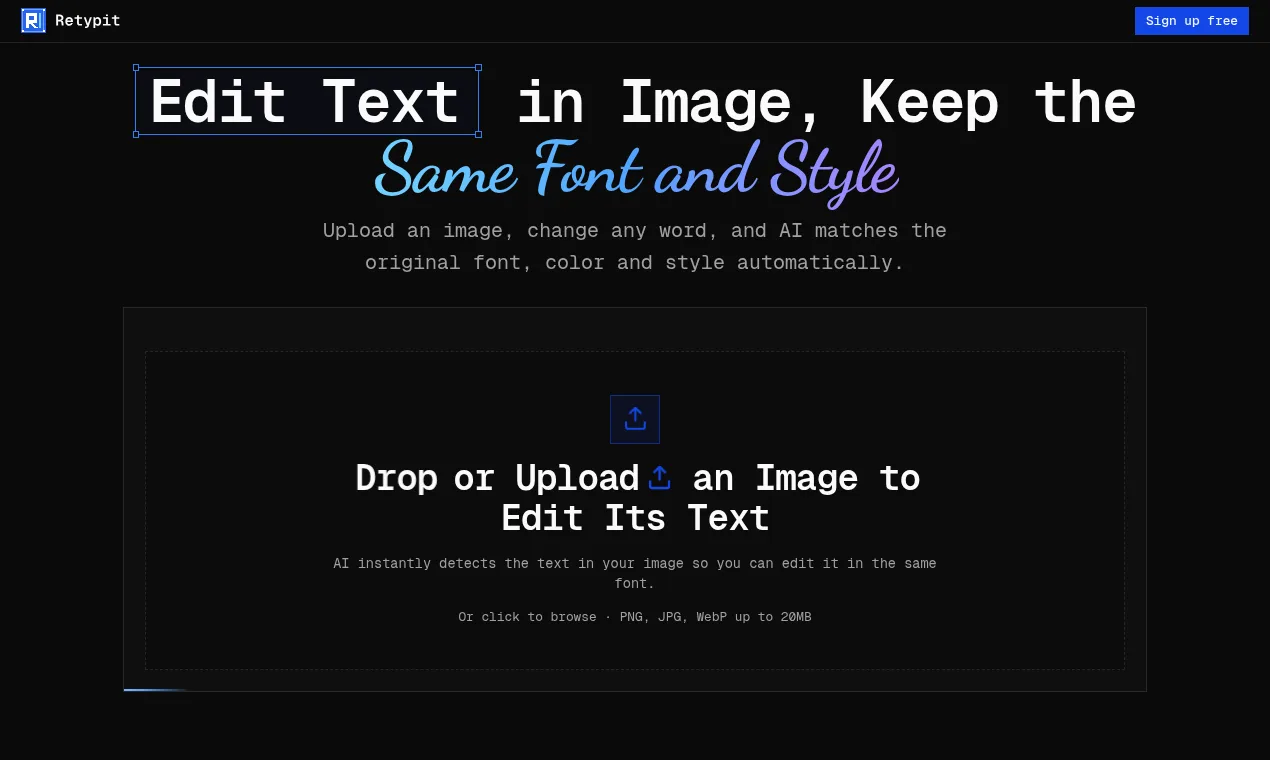
Retypit is an AI tool to edit text in image files without Photoshop or a source file. Upload a PNG, JPG or WebP (up to 20MB) and the AI detects every line of text and gives each one a number. Click a line, type the new words, hit Edit text, then download the result. Retypit keeps the original font, color and style, so the new text looks like it was always there. It changes only the text you select, so faces, background and layout stay as they were. Use it to fix typos in AI-generated images, update prices on a menu, change dates on a flyer, or correct a word in a screenshot. Everything runs in the browser. Pricing is pay-as-you-go, and credits never expire.
Platforms and languages
Retypit Availability
Platforms
Languages
Capabilities
Retypit Key Features
Auto-detects every text line
The AI finds every line of text and numbers it so you can click one to edit.
Keeps original font, color and style
New words are rendered in the original font, color and style.
Edits only the selected text
Faces, background and layout stay untouched.
Plans and access
Retypit Pricing
Paid
Pay-as-you-go credits that never expire. No subscription. Google sign-in required.
Compare similar tools
Retypit Alternatives
Reviews
See what the community thinks and share your experience.
—
Based on 0 ratings
Rating distribution
Community reviews
No reviews
No written reviews yet.