Lightweight Mac app for voice dictation, screenshots, and screen recording for AI coding agents.
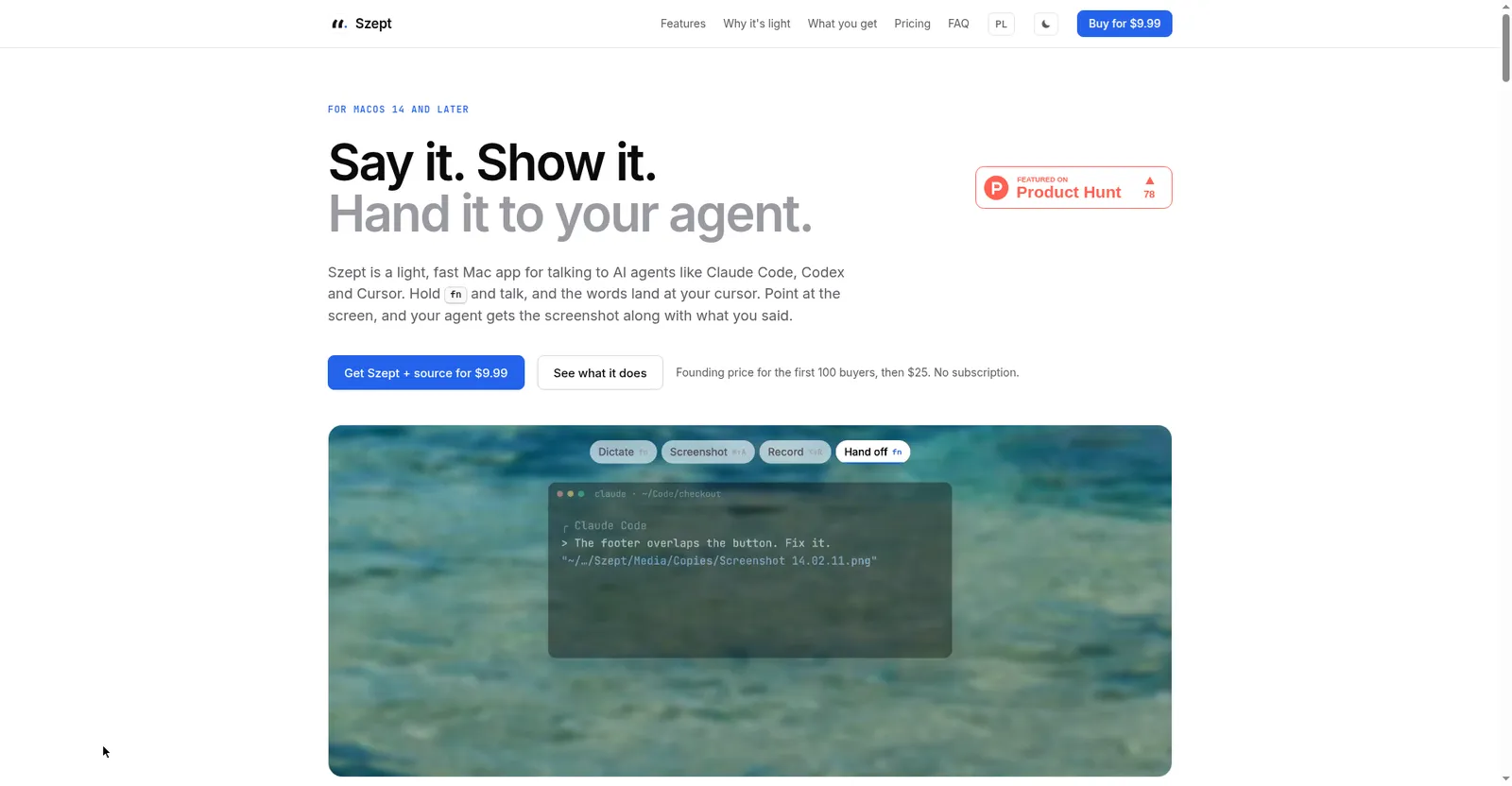
Szept homepage
1 / 3Overview
What is Szept?
Say it. Show it. Hand it to your agent.
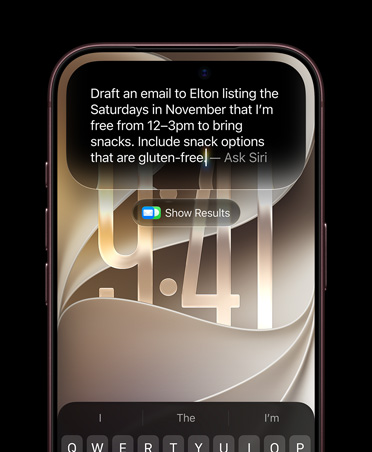
Szept is a light, fast Mac app for talking to AI agents like Claude Code, Codex, and Cursor. Hold fn and speak — the words land at your cursor in any app. Point at the screen, and your agent gets the screenshot along with what you said.
It does four things that chain together: voice dictation (hold fn, text typed at cursor in any app, Esc cancels), AI cleanup (removes ums, repeats, and false starts, fixes punctuation, and shapes text for its destination using DeepSeek or any OpenAI-compatible endpoint), screenshots (Command-Shift-A to annotate, blur, pin, extract text, read QR codes, translate, or take scrolling shots), and screen recording (Option-Shift-R with system sound and microphone). With a screenshot or recording on screen, hold fn and say what you want — Szept pastes your words and the media into your agent.
Everything is stored locally and searchable, with 60+ dictation languages that switch mid-sentence. The app is just 4.9 MB with no speech model on disk (~180 ms key-up to text). Speech runs on Soniox in the cloud on your own API key at about $0.12 per hour of talking; Szept charges nothing on top.
Pricing: Personal is a one-time purchase — $9.99 founding price for the first 100 buyers, then $25 (includes the full Swift source, agent kit, and 12 months of updates; renewals optional at $9.99/year). Team is $199 one-time for up to 10 people with an MDM deployment kit. Company licensing is on request. 14-day full refund. No subscription.
Platforms and languages
Szept Availability
Platforms
Languages
Capabilities
Szept Key Features
Voice dictation
Hold fn and talk; text is typed at your cursor in any app. Esc throws a dictation away.
AI cleanup
Removes ums, repeats, and false starts, fixes punctuation, and shapes text per destination. DeepSeek by default, or any OpenAI-compatible endpoint.
Screenshots
Command-Shift-A freezes the screen: pick a window or region, then annotate, blur, pin on top, extract text, read QR codes, translate, or take scrolling screenshots.
Screen recording
Option-Shift-R records a region or the whole screen with system sound and microphone, plus camera bubble and click effects; saves as MP4 or GIF.
Agent handoff
With a screenshot or recording on screen, hold fn and say what you want — Szept pastes your words and the file into Claude Code, Cursor, Codex, or a chat app.
History and media
Every dictation is kept on your Mac and searchable in any language; screenshots and recordings sit in the same timeline.
60+ languages
60+ languages including Polish, English, German, Spanish, French, Ukrainian, Italian, Portuguese, and Japanese — switch mid-sentence.
Lightweight
4.9 MB installed, no speech model on disk, 24–32 MB memory at rest, about 180 ms from key-up to final text.
Your own speech key
Speech recognition runs on Soniox stt-rt-v5 with your own API key, about $0.12 per hour of talking; Szept charges nothing on top.
App + source + agent kit
Signed DMG for macOS 14+, the complete Swift project in a private GitHub repo, and an agent kit (CLAUDE.md, specs, plans, tests) so AI agents can modify it.
Best for
Who uses Szept?
Mac users who dictate, from non-technical users to developers
Dictate text anywhere on Mac and hand voice, screenshots, or recordings to AI agents
Teams (up to 10 people)
Standardize dictation and screen capture across the team with an MDM deployment kit
Plans and access
Szept Pricing
Paid
Personal $9.99 one-time (founding); Team $199 one-time (10 people). Speech billed ~$0.12/hr separately.
Common questions
Szept FAQs
Do I need to be technical to use Szept?
No. Hold fn and talk — the app works the moment it is installed. The source code is there for the day you want an AI agent to change something, but using it needs no technical skill.
How much does speech recognition cost?
About $0.12 per hour of talking, billed by Soniox to your own API key. Szept never charges for speech and runs no servers of its own.
Does Szept work offline?
No. Speech recognition runs in the cloud on Soniox, which is why the app stays so light. Screenshots, recording, and your local history work without a connection.
Is it a subscription?
No. Personal is a one-time purchase ($9.99 for the first 100 buyers, then $25) and includes 12 months of updates; renewals at $9.99 a year are optional. Team is $199 one-time for up to 10 people.
Can I use Szept with my AI coding agent?
Yes. With a screenshot or recording on screen, hold fn and say what you want — Szept pastes your words and the file into the app you came from, such as Claude Code, Cursor, or a chat app. Nothing is sent until you press return.
Reviews
See what the community thinks and share your experience.
—
Based on 0 ratings
Rating distribution
Community reviews
No reviews
No written reviews yet.