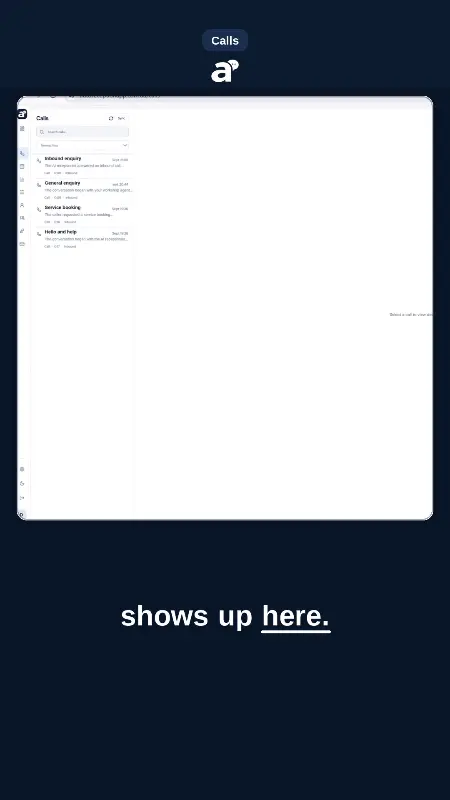
Arc is a floating AI sidebar for Android and Mac that summarizes, reads aloud, and rewrites whatever is on your screen — no copy-paste, no app switching.
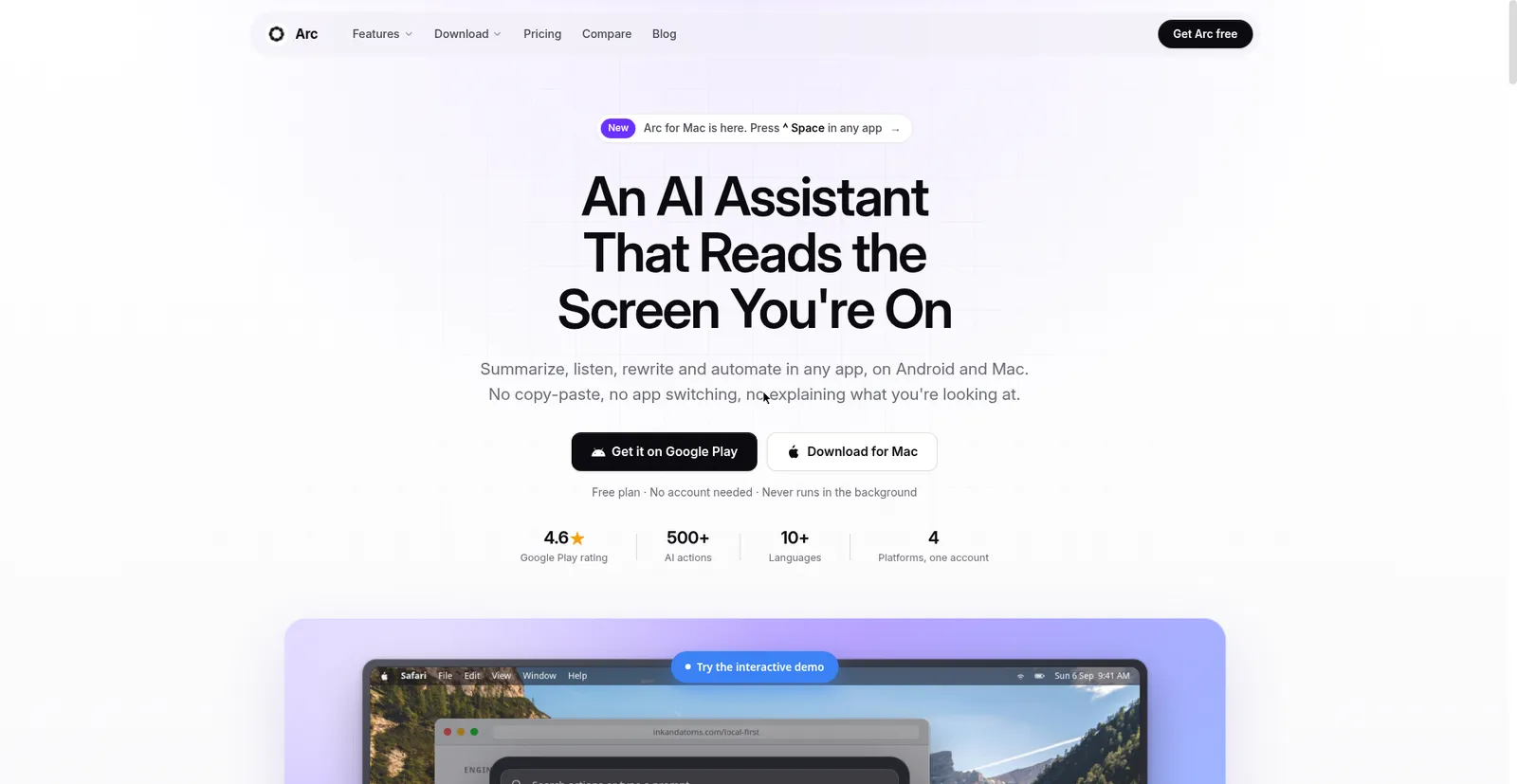
Arc official site — An AI Assistant That Reads the Screen You're On; Android and Mac downloads
1 / 3Overview
What is Arc?
One-tap AI actions on top of every app you use
Arc is a one-tap AI assistant that comes to the screen you are on instead of making you copy-paste into a chatbot. Open it over any app — a floating sidebar on Android, Control+Space on Mac — and it can summarize what is there, read it aloud, rewrite what you are typing in place, or run small automations, with no integrations needed on either platform.
Core tools include AI Summary (Gemini-powered) with read-aloud and a searchable saved library, AI Writer (rewrite tone, fix grammar, contextual replies, create posts), chat about the visible screen, custom and community one-tap actions, smart extract for events/contacts/links/codes, flashcards, AI call insights, and a personal info vault. Free to start with 7 AI requests per week, no ads and no card; paid plans raise limits and add Google Drive backup, with one subscription covering Mac and Android together.
Platforms and languages
Arc Availability
Platforms
Languages
Capabilities
Arc Key Features
Floating sidebar over any app
Summon with Control+Space on Mac or the floating button on Android, on top of any app — no integrations, plugins, or per-browser extensions needed.
AI Summary and read-aloud
Get concise summaries of on-screen text via Google Gemini, then have them read aloud with your device's text-to-speech engine and automatic language detection.
AI Writer that edits in place
Rewrite selected text in a new tone, fix grammar, generate contextual replies, or create posts — the result lands back in the field you were typing in, without stealing focus.
Chat about the screen
Ask follow-up questions about what is currently displayed — 'what's the return policy here?' — and get answers grounded in the visible content, saved into a searchable library.
Custom and community actions
Build one-tap routines with your own prompts, or browse, add, publish, and upvote AI actions shared by the Arc community. Also includes smart extract, flashcards, AI call insights, and a personal info vault.
Best for
Who uses Arc?
Knowledge workers who live in many different apps
Summarize, read aloud, rewrite, and chat about whatever is on screen without copy-pasting between apps
Plans and access
Arc Pricing
Freemium
Free tier: 7 AI requests/week, no card or ads. Paid plans raise limits; one subscription covers Mac and Android.
Common questions
Arc FAQs
Is Arc free?
Yes to start: the free tier gives 7 AI requests per week with no ads and no credit card. Paid plans add higher limits and extras like Google Drive backup — and one subscription unlocks Mac, Android, and (when it ships) Windows together.
Which devices does Arc run on?
Android (via Google Play) and macOS 14 or later on Apple Silicon or Intel — download it from arcassistant.app. It is not in the Mac App Store because Apple's sandbox prohibits the accessibility APIs Arc depends on. A Windows beta waitlist is open and iOS is planned.
Is Arc watching my screen all the time?
No. It wakes when you press Control+Space or tap the menu-bar icon, reads the frontmost window, runs your chosen action, and goes back to sleep — nothing is read between presses. It needs Accessibility permission; Screen Recording is only requested if you use screenshot actions. The Mac app is notarized by Apple, and about 400 sensitive apps are blocked by default.
Do I need an account to use it?
No account is needed to start. Sign in on each device and your saved content, custom actions, and subscription carry across — write an action at your desk, use it on your phone.
Compare similar tools
Arc Alternatives

Reviews
See what the community thinks and share your experience.
—
Based on 0 ratings
Rating distribution
Community reviews
No reviews
No written reviews yet.