ToText

Turn any recording into a transcript, summary and answers

Visit website

iPhone app that turns recordings into transcripts, summaries and answers. 60 languages.
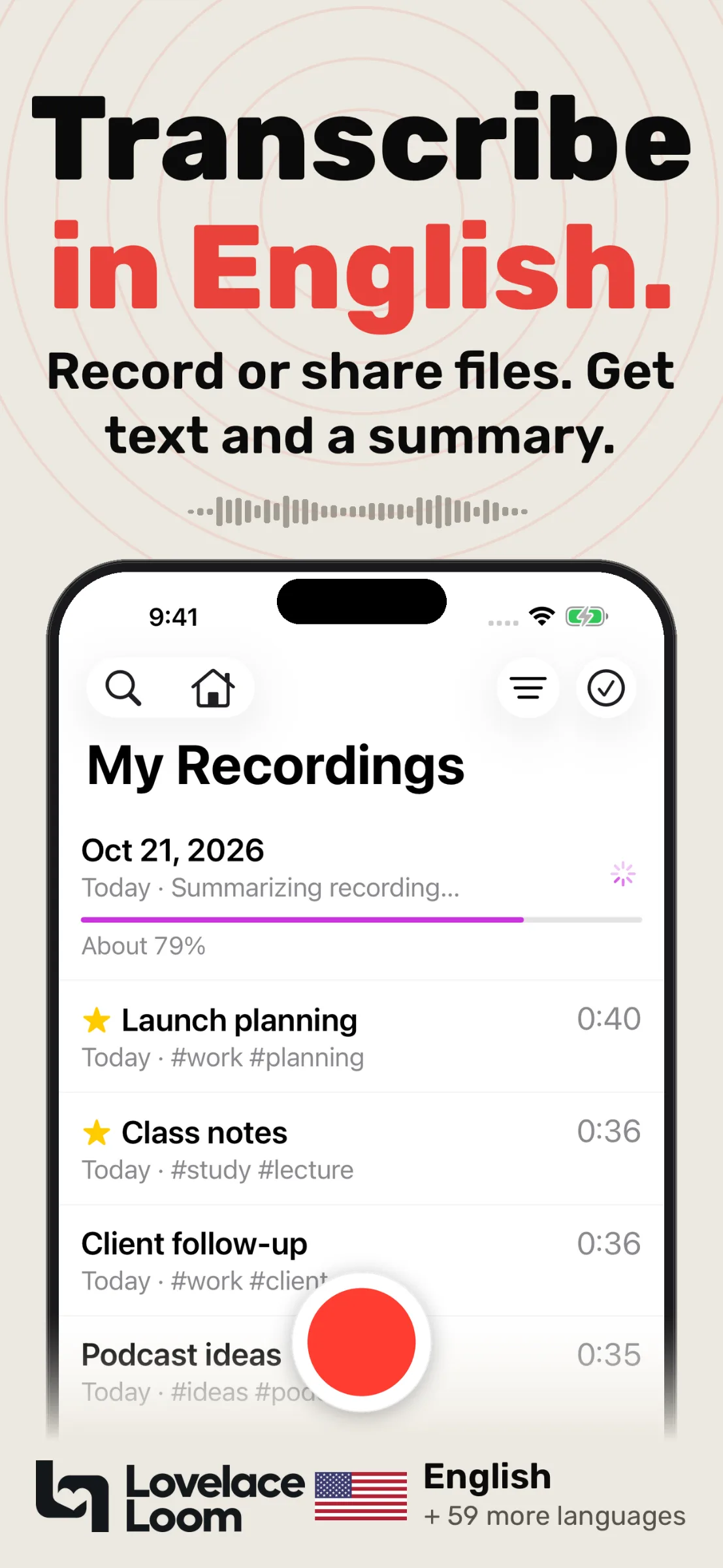
Record audio in ToText

Record audio in ToText

1 / 3

Overview

What is ToText?

Turn any recording into a transcript, summary and answers

ToText is an iPhone app that turns any recording into text you can use. Record in the app, import an audio file, or share audio and video from other apps. ToText creates a transcript with speaker labels and a summary in the length and style you choose, plus action items, a title and tags.

Ask questions about a recording and get answers based on what was said. Playback is synchronized with the transcript. Search, edit and share your transcripts, or export them as PDF.

The Home screen shows Insights and charts, a weekly Calendar and your Tasks (iOS 26). ToText works in 60 languages and needs no ToText account. It is also available as a plugin in ChatGPT.

Free with in-app purchases. Made by Lovelace Loom.

App Store: https://apps.apple.com/app/id6770080775

Platforms and languages

ToText Availability

Platforms

Ios

Languages

EnglishSpanishFrenchGermanItalianPortugueseHebrewArabicJapaneseKoreanDutchPolishTurkishRussian

Capabilities

ToText Key Features

Transcripts with speaker labels

Record in the app, import audio or share audio and video from other apps to get a transcript with speaker labels.

Summaries and action items

Get a summary in the length and style you choose, plus action items, a title and tags.

Ask questions about a recording

Get answers based on what was said, with playback synchronized to the transcript. Works in 60 languages.

Best for

Who uses ToText?

People who record meetings, lectures and interviews

Turn recordings into searchable transcripts, summaries and action items.

Plans and access

ToText Pricing

Freemium

Free to download with optional in-app purchases.

Reviews

See what the community thinks and share your experience.

—

Based on 0 ratings

Rating distribution

0
0
0
0
0

Leave a review

Sign in to rate

Community reviews

No reviews

No written reviews yet.

Explore by category

AI Transcription

View all AI Transcription websites
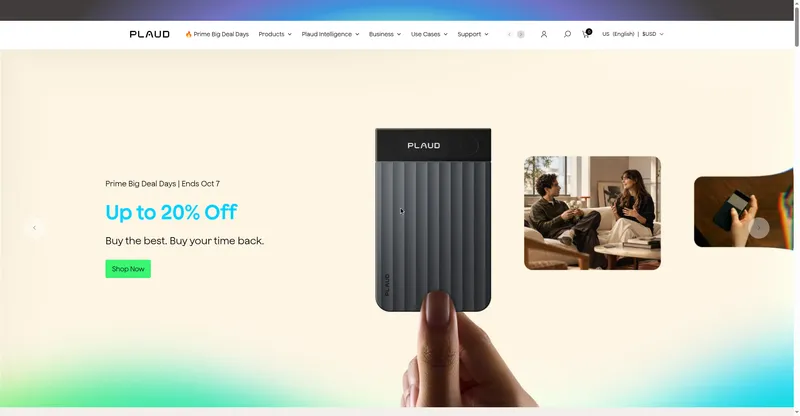
Plaud preview
Plaud

AI note-taking hardware and software that turns meetings and calls into summaries and notes.

AI Transcription
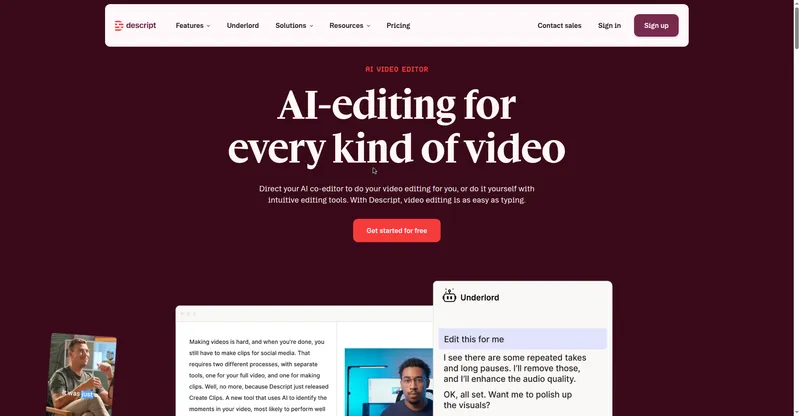
Descript preview
Descript

AI video and audio editor: edit media by editing the transcript text, with AI co-editing, dubbing, and clips.

AI Transcription
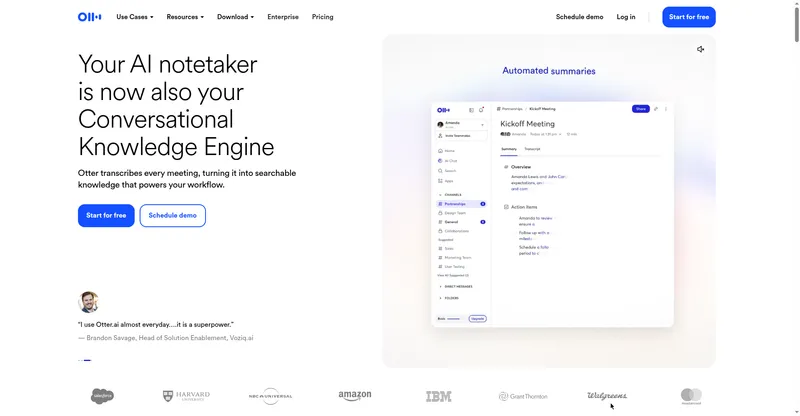
Otter.ai preview
Otter.ai

AI meeting notetaker that auto-joins calls, transcribes live, and turns meetings into searchable summaries.

AI Transcription

Explore by category

AI Summarization

View all AI Summarization websites
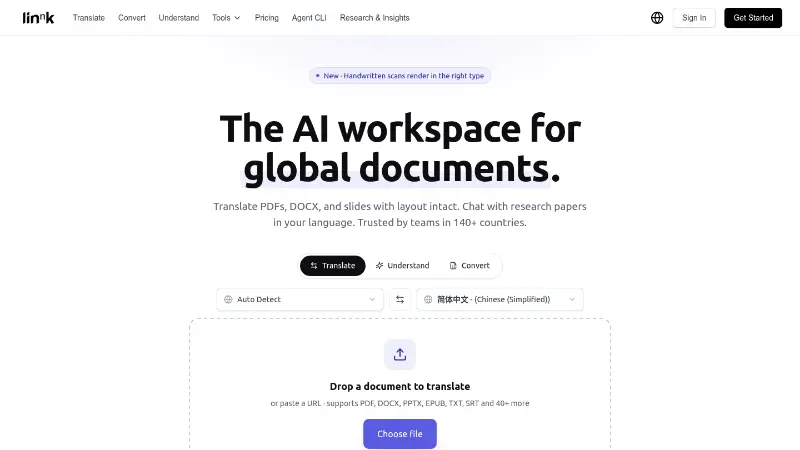
Linnk AI preview
Linnk AI

AI document translation, summarization, and research chat for PDFs, Office files, and scanned documents.

AI Summarization
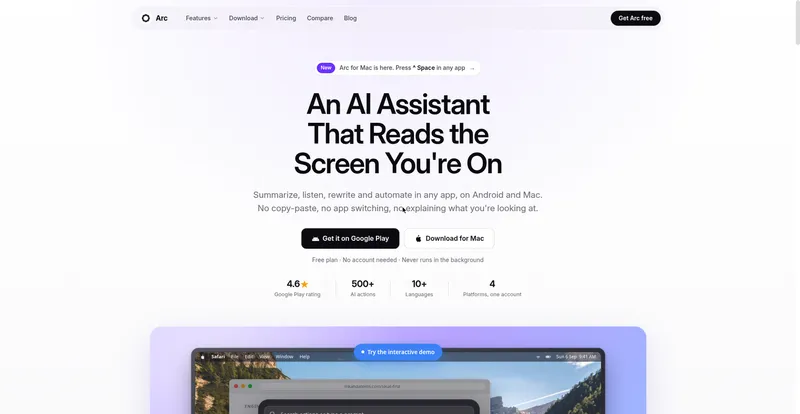
Arc preview
Arc

Arc is a floating AI sidebar for Android and Mac that summarizes, reads aloud, and rewrites whatever is on your screen — no copy-paste, no app switching.

AI Summarization

Explore by category

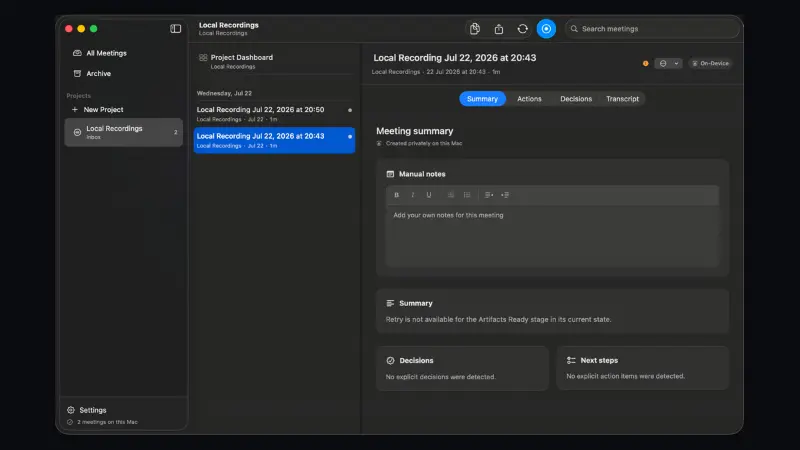
AI Meeting Assistant

View all AI Meeting Assistant websites
dood preview
dood

An AI meeting bot that turns live Zoom, Meet, and Teams conversations into visual doodle murals with action points.

AI Meeting Assistant
Kai preview
Kai

AI executive assistant that triages email, records meetings, and manages tasks and calendar in the background.

AI Meeting Assistant

Explore by category

AI Productivity Tools

View all AI Productivity Tools websites
Peras preview
Peras

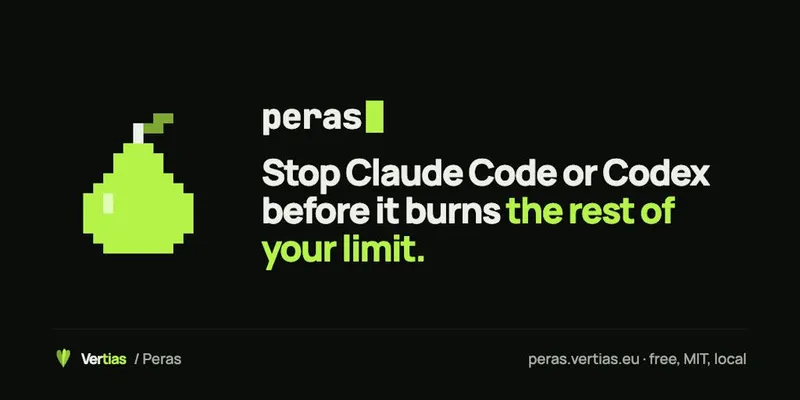
Weekly usage guard for Claude Code and Codex that blocks the next tool call once a set limit is crossed, with resume anytime.

AI Productivity Tools
Monish preview
Monish

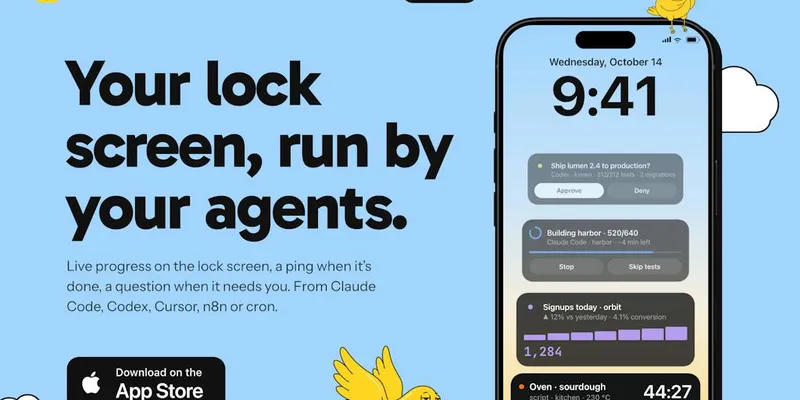
iPhone app that shows running AI agents as lock-screen Live Activities and lets you approve or deny their actions from notifications.

AI Productivity Tools
OpenTag preview
OpenTag

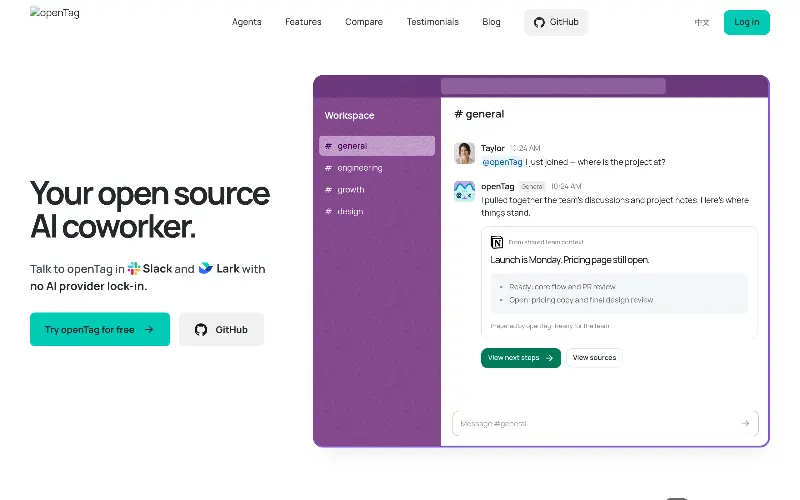
OpenTag is an open-source AI worker that integrates with Slack and Lark, allowing users to run AI models locally without vendor lock-in.

AI Productivity Tools