Open-source tool for building reusable bots on Claude Code, Codex, or OpenCode that run locally across your repos.
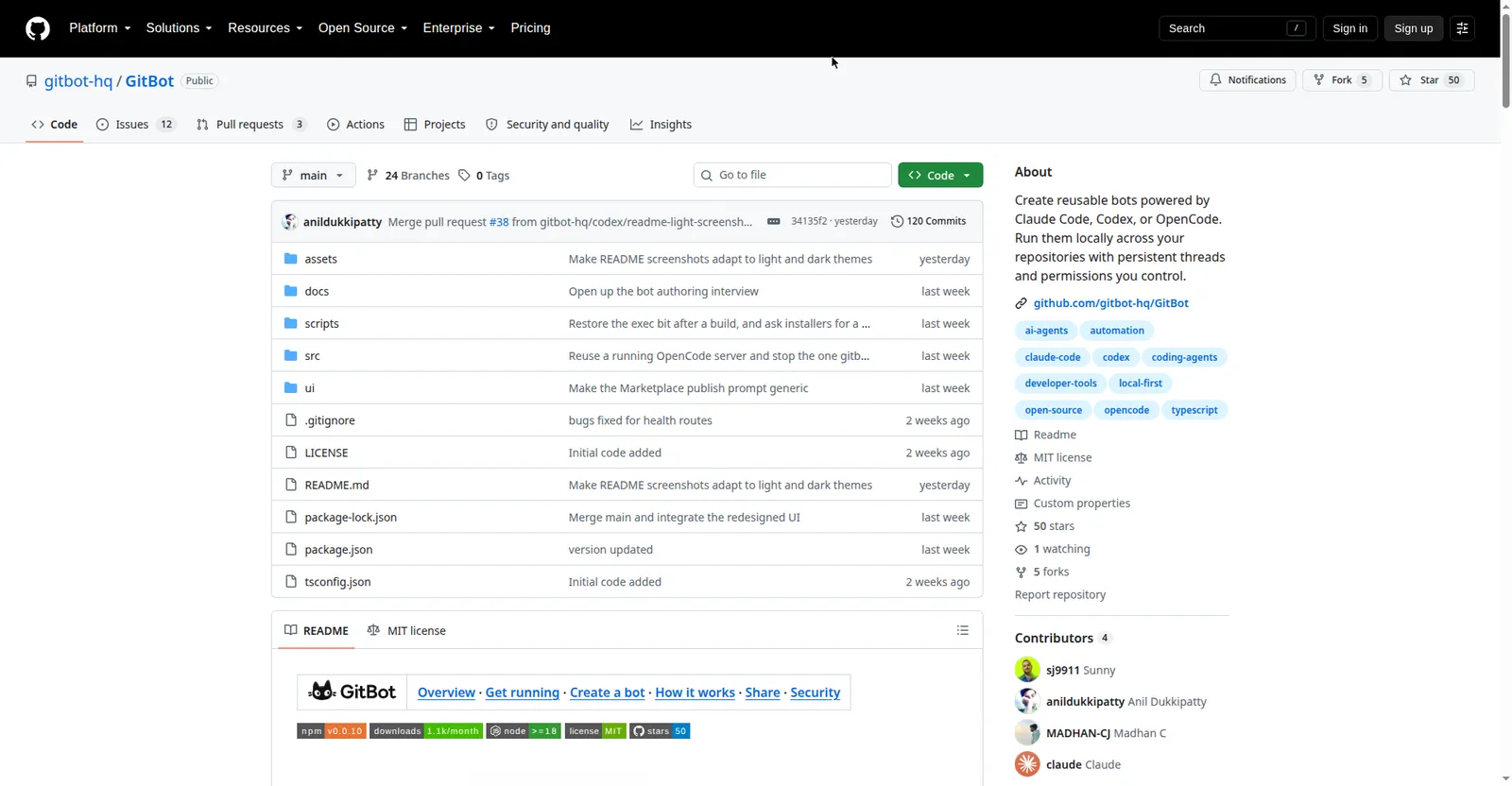
GitBot GitHub repository
Overview
What is GitBot?
Build bots on the coding agent you already use
GitBot lets you build reusable bots on top of the coding agent you already use — Claude Code, Codex, or OpenCode. The bots run locally across your repositories with persistent threads, so repeated workflows become one command instead of re-explained prompts.
Everything stays on your machine: no account, no telemetry, and permissions you control. It's MIT-licensed open source, published through npm, and includes a marketplace flow for sharing bots.
Built for developers who live in AI coding agents and want to automate their own repetitive repo tasks.
Platforms and languages
GitBot Availability
Platforms
Languages
Capabilities
GitBot Key Features
Bots on your own agent
Build reusable bots powered by Claude Code, Codex, or OpenCode — the agent you already use.
Runs locally
Bots run on your machine across your repositories with persistent threads.
Permissions you control
You decide what each bot can touch; nothing phones home, no telemetry.
No account needed
No sign-up and no cloud dependency — clone and run.
Bot marketplace
Publish and share bots with others through the built-in marketplace flow.
Best for
Who uses GitBot?
Developers using Claude Code, Codex, or OpenCode
Turn repeated repo workflows into reusable local bots
Plans and access
GitBot Pricing
Free
Free and open source (MIT). No account, no telemetry.
Common questions
GitBot FAQs
How much does GitBot cost?
Nothing. It's MIT-licensed open source and free to use.
Which coding agents does it work with?
Claude Code, Codex, and OpenCode.
Does it send my code anywhere?
No. Bots run locally on your machine, and the project states there is no telemetry and no account.
How do I install it?
It's distributed via npm (Node 18+) — see the GitHub repo's Get running guide.
Reviews
See what the community thinks and share your experience.
—
Based on 0 ratings
Rating distribution
Community reviews
No reviews
No written reviews yet.