No-code platform to build AI-ready back-office systems — CRM, ERP, and project tools with AI agents and MCP access.
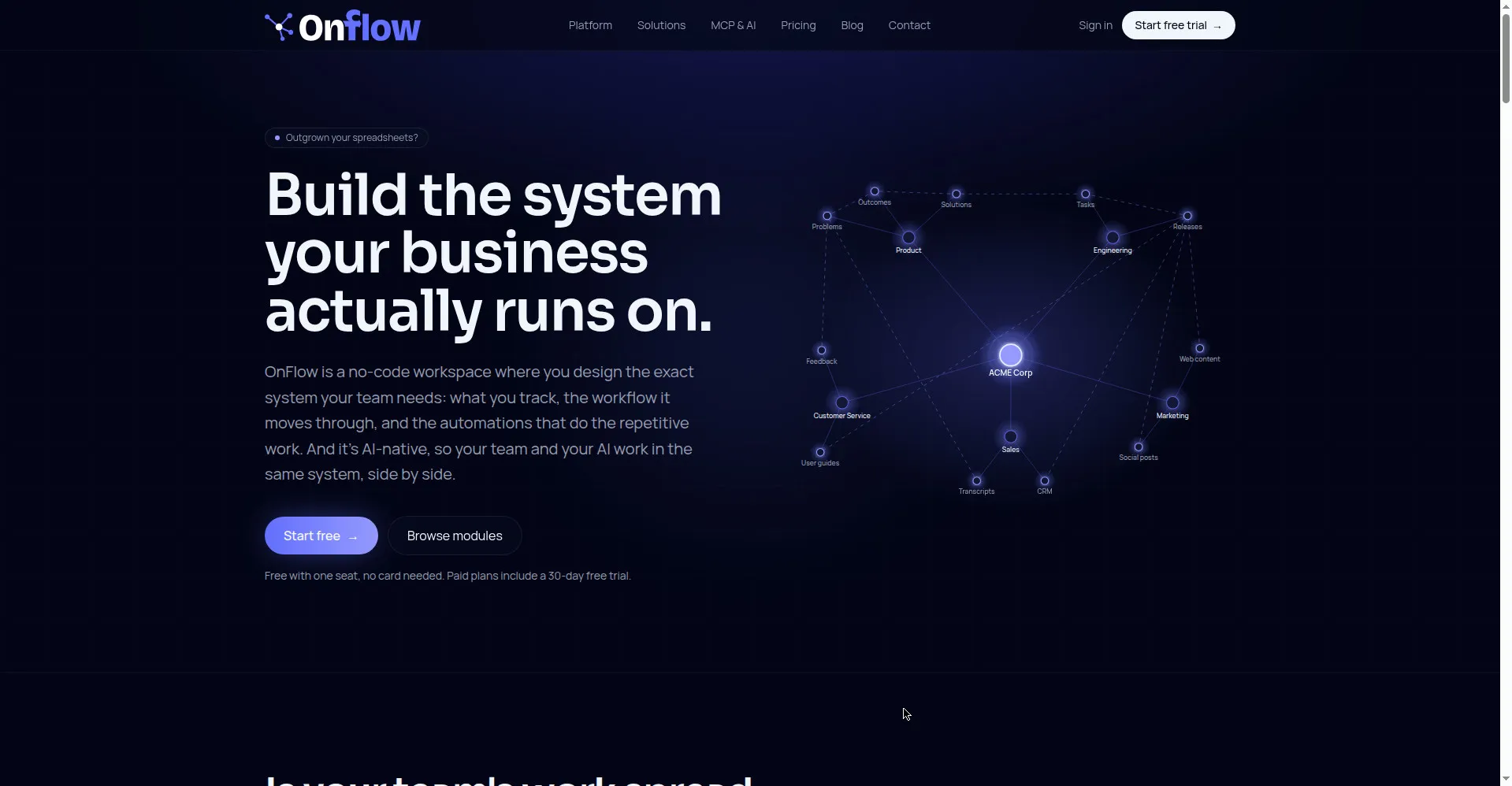
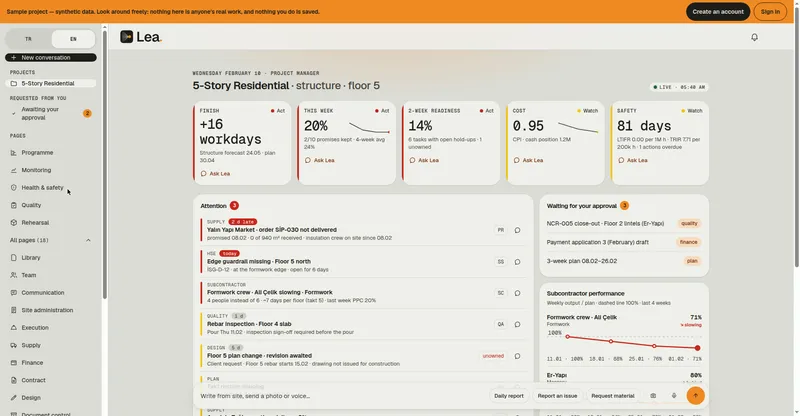
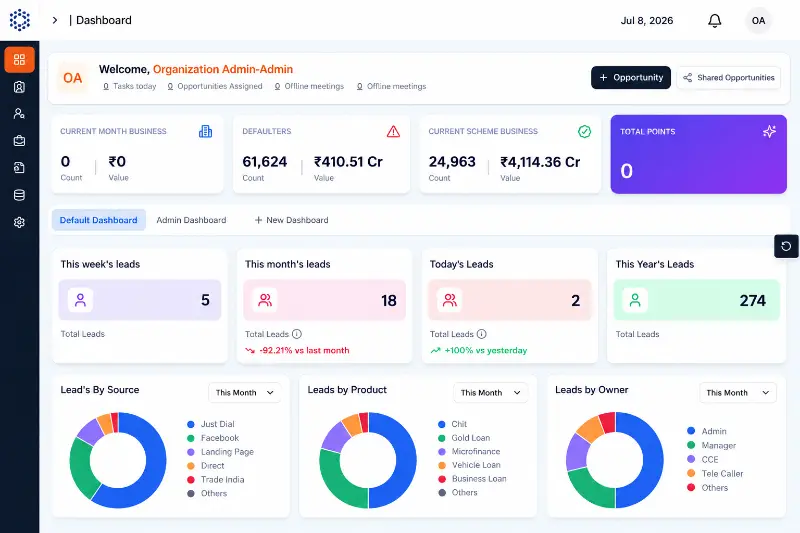
Homepage hero — build the system your business runs on
1 / 3Overview
What is OnFlow?
Build your own AI-ready back office system.
OnFlow is a no-code, AI-native platform for building your own back-office system. Instead of buying off-the-shelf software that doesn't fit, you define your own data models and workflows: build a CRM, an ERP, a project management tool, or an HR system all in one place. Everything is accessible and manageable via the UI or via LLMs using MCP, so your team and your AI assistants work side by side in the same system. The platform includes trigger-based automations, AI agents that act directly on your records, granular role- and field-level permissions, and full audit logging. It is freemium: a free plan with one seat and no card required, and paid plans starting at $20 per seat per month, each with a 30-day free trial. Operated by Aaptera Ltd (trading as OnFlow), registered in England & Wales.
Platforms and languages
OnFlow Availability
Platforms
Languages
Capabilities
OnFlow Key Features
Custom data modeling
Define your own record types, fields, and typed relationships through a simple point-and-click interface — no code needed and no schema files to write.
Trigger-based automations
Configure trigger-condition-action workflows, such as contract created → expiry reminder, to replace repetitive manual steps.
Native AI agents
AI agents act directly on your data — for example drafting a renewal email — instead of just summarizing it.
MCP-native access
Everything runs on an MCP server, so Claude, ChatGPT, or any MCP client can query and operate your records; permissions are inherited from the caller.
Granular permissions and audit logs
Role- and field-level access control plus full audit logs that record every read, write, and AI action with actor, scope, and diff.
Best for
Who uses OnFlow?
AI-forward teams and SMEs that outgrew off-the-shelf tools
Build their own CRM, ERP, project management, or HR system instead of paying for ill-fitting software or custom builds.
Solo founders and small teams
Start on the free plan to track work and automate busywork, then add seats and automation capacity as the team grows.
Plans and access
OnFlow Pricing
Freemium
Free $0 (1 seat); Starter $20, Growth $50, Scale $150 per seat/month; custom Enterprise available.
Common questions
OnFlow FAQs
Is there a free plan?
Yes. The free plan includes 1 seat, 1 GB storage, 300 automation runs per month, forms, workflows, automations, and MCP/API access, with no card required. It includes no AI credits.
Do I need a card to start a trial?
The free plan needs no card. Paid plans each include a 30-day trial; a payment method is required to start a trial, but you are not charged until it ends and you can cancel anytime at no cost.
How does per-seat pricing work?
You start from one seat and pay for the seats you actually add. Each plan bundles AI credits per seat that are pooled and shared, and you can set credit limits for specific users.
Can I change plans later?
Yes, anytime. Upgrades apply immediately; downgrades take effect at the end of your current billing period.
Is there an enterprise option?
Custom Enterprise arrangements are available, including UK/EU data processing, longer backup retention, SSO beyond Google, and a dedicated account manager.
Reviews
See what the community thinks and share your experience.
—
Based on 0 ratings
Rating distribution
Community reviews
No reviews
No written reviews yet.