Turn Any PDF Into a Shareable Link
pdf-to-link.webp
Overview
What is PDF to Link?
Turn Any PDF Into a Shareable Link
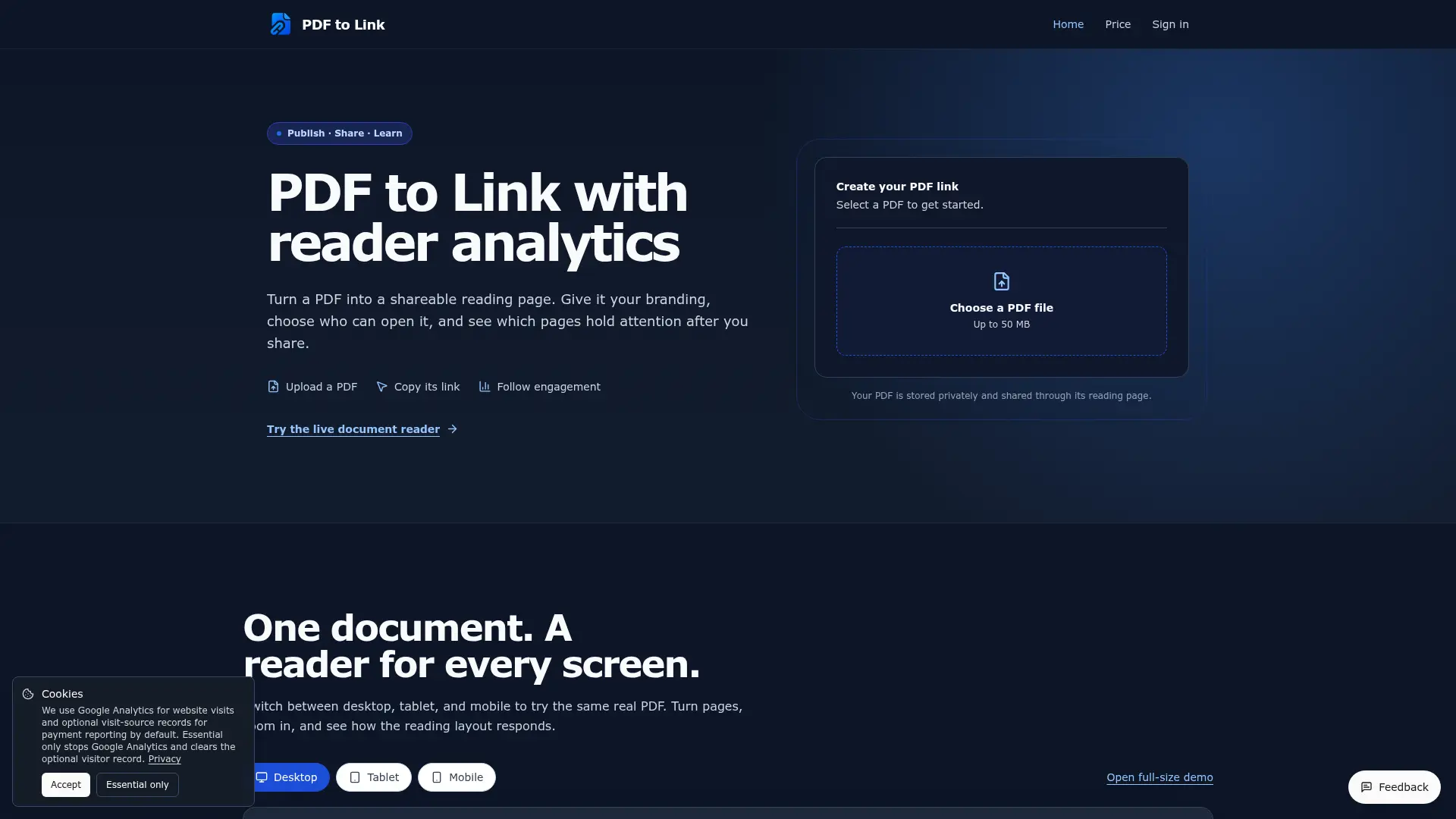
PDF to Link lets you upload a PDF and publish it as a shareable browser-based reading page. You can customize the experience with your logo, favicon, background, social links, and call-to-action buttons, protect documents with a password, and share them using a direct link or QR code. Built-in analytics help you understand how readers engage with your PDF, including views, visitor reach, active reading time, page depth, page-by-page engagement, reader locations, exit pages, downloads, and CTA clicks.
Platforms and languages
PDF to Link Availability
Platforms
Languages
Capabilities
PDF to Link Key Features
PDF to Shareable Link
Upload a PDF and instantly publish it as a browser-based reading page with a simple shareable URL. No need to manage cloud folders or complicated sharing permissions.
Reader Analytics
Track how people interact with your PDF, including views, visitors, active reading time, reading depth, page engagement, exit pages, downloads, and CTA clicks.
Password Protection
Protect shared PDFs with a password so only people with the correct password can access the document.
Custom Branding
Customize the PDF reading page with your logo, favicon, background, social links, and other branding elements for a more professional presentation.
Plans and access
PDF to Link Pricing
Freemium
9.9$
PDF to Link Alternatives
 PDF SKILLSmall teams create on-brand PDFs in Claude with templates and brand assets.
 PDF Merge FilesMerge, split, and convert with PDF Merge Files. 100+ pro tools to manage your documents in seconds.
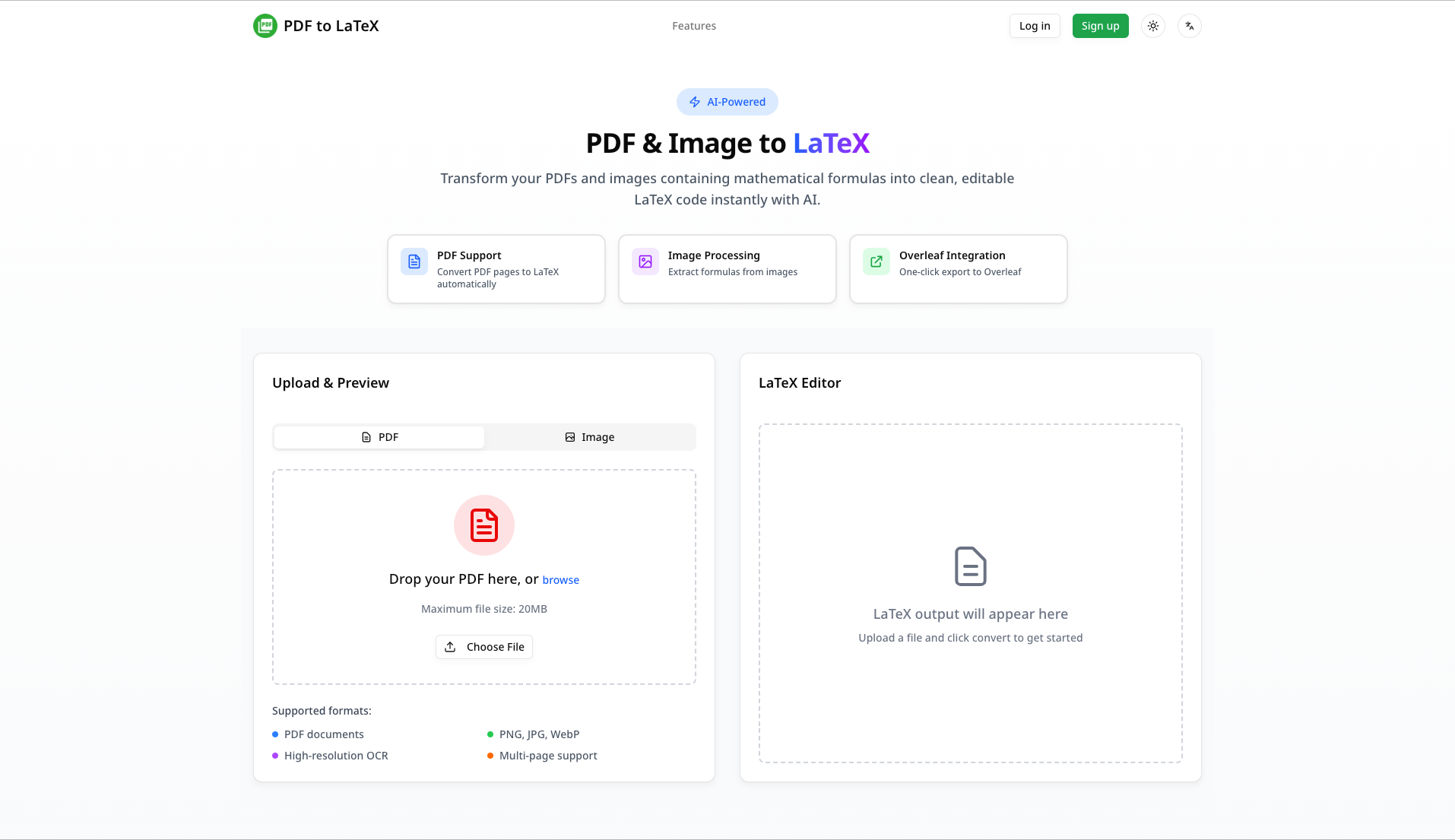 PDF to LaTeXTransform your PDFs and images into LaTeX code instantly. AI-powered conversion with 95%+ accuracy. Real-time streaming, direct Overleaf export, and handwritten formula recognition.
Reviews
See what the community thinks and share your experience.
—
Based on 0 ratings
Rating distribution
Community reviews
No reviews
No written reviews yet.