A free, open-source Mac tool that runs AI agent apps on separate virtual displays so agents work without stealing your screen or focus.
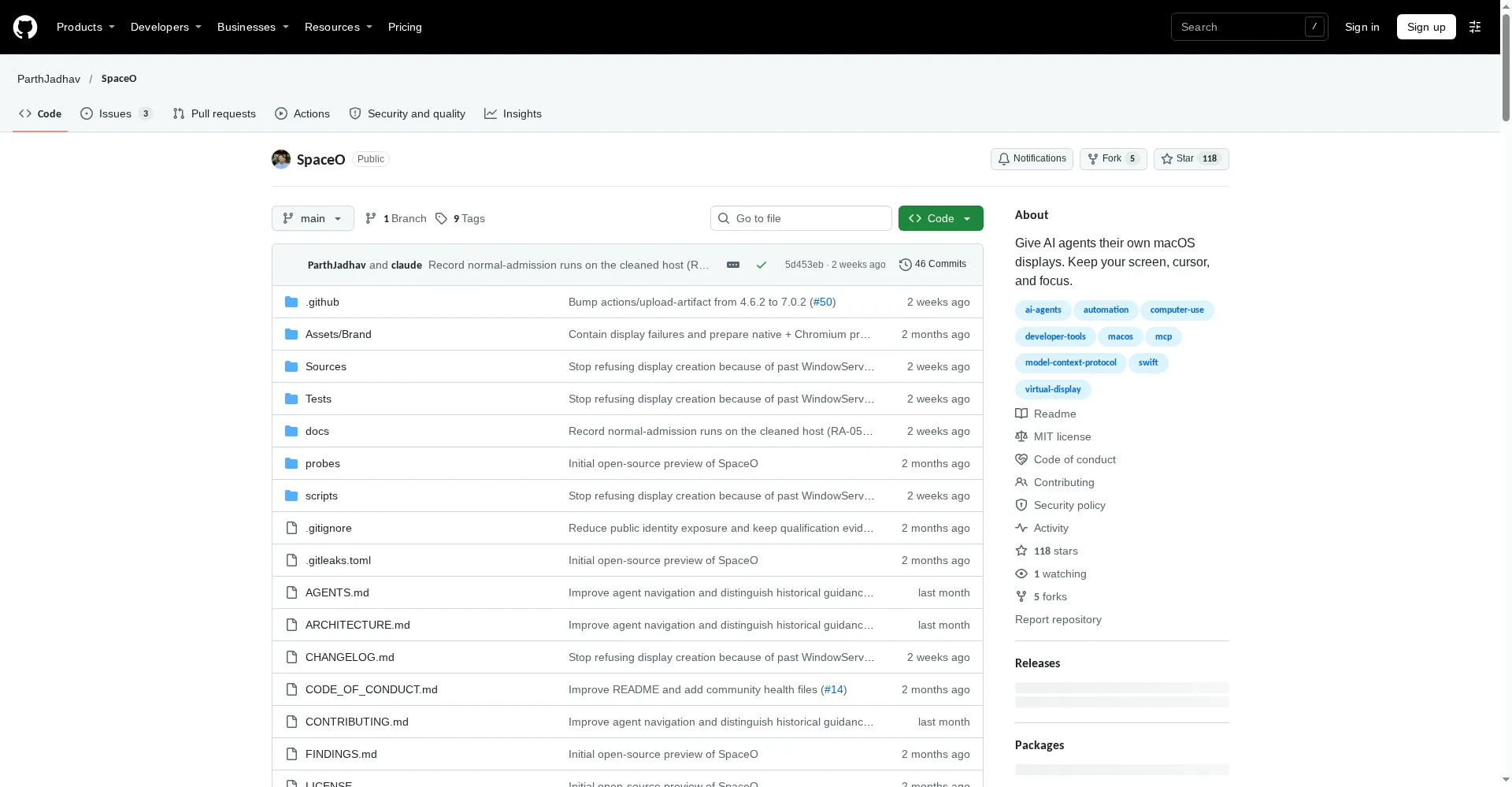
SpaceO GitHub repository homepage
1 / 2Overview
What is SpaceO?
Give AI agents their own screen on your Mac
SpaceO gives AI agents their own screen on your Mac. It is a native Swift app, a CLI and an MCP server that runs agent apps on separate, headless virtual displays, so agents can work in real apps while you keep using your computer.
Agents connect through MCP or the CLI, read interface elements, click controls, enter text, inspect screenshots and check what actually happened, with every receipt saying whether the result was confirmed, unconfirmed or refused. The Viewer shows sessions, activity, pause and human handoff. Supported scope is native macOS apps and Chromium browsers; Electron apps such as Cursor, VS Code and Slack are refused before launch because they can take desktop focus, though those editors can still connect as MCP clients. SpaceO is free and MIT licensed, needs Apple Silicon and macOS 14 or later, and is attention isolation, not a security sandbox: agent apps run as your macOS user.
Platforms and languages
SpaceO Availability
Platforms
Languages
Capabilities
SpaceO Key Features
A screen for every agent
Agent apps render on headless virtual displays while your physical display, pointer and focus stay yours.
MCP and CLI control
Agents read interface elements, click, type, screenshot and verify results through MCP tools or the spaceo CLI.
Viewer watch and handoff
Watch sessions live in the Viewer, pause when an agent needs help, take over, then hand control back.
Multiple sessions, one Mac
Sessions own apps, windows and display tiles, coordinated by controller leases for the same macOS user.
Honest isolation limits
SpaceO never moves your pointer or deliberately activates agent apps, but it is attention isolation, not a security sandbox.
Best for
Who uses SpaceO?
Mac developers running coding agents alongside their own work
Let agents drive real Mac apps on their own displays while you keep working
Plans and access
SpaceO Pricing
Free
Free and MIT licensed; no paid plans
Common questions
SpaceO FAQs
Why not just use another Space or a VM?
Apps on an inactive Mission Control Space can stop drawing, so they cannot be captured or driven reliably, while a VM has no access to your installed apps, sign-ins or files.
Will SpaceO steal my focus or move my mouse?
No, it never moves your pointer and does not deliberately activate agent apps; if an agent app activates itself, SpaceO hands activation back and reports it.
Which apps work with SpaceO?
Native macOS apps and Chromium browsers are in scope; Electron apps such as Cursor, VS Code and Slack are refused before launch, but can connect as MCP clients.
Is SpaceO a sandbox?
No. Agent apps run as your macOS user, with your files, network and credentials, so untrusted work needs a separate login or VM.
How do I remove SpaceO?
Stop the daemon, then delete the spaceo binary and the Viewer app; full steps are in the repository installation guide.
Reviews
See what the community thinks and share your experience.
—
Based on 0 ratings
Rating distribution
Community reviews
No reviews
No written reviews yet.