A macOS app that brings another Mac's windows onto the Mac in front of you, so you can run AI agents and builds on a Mac mini and use them natively.
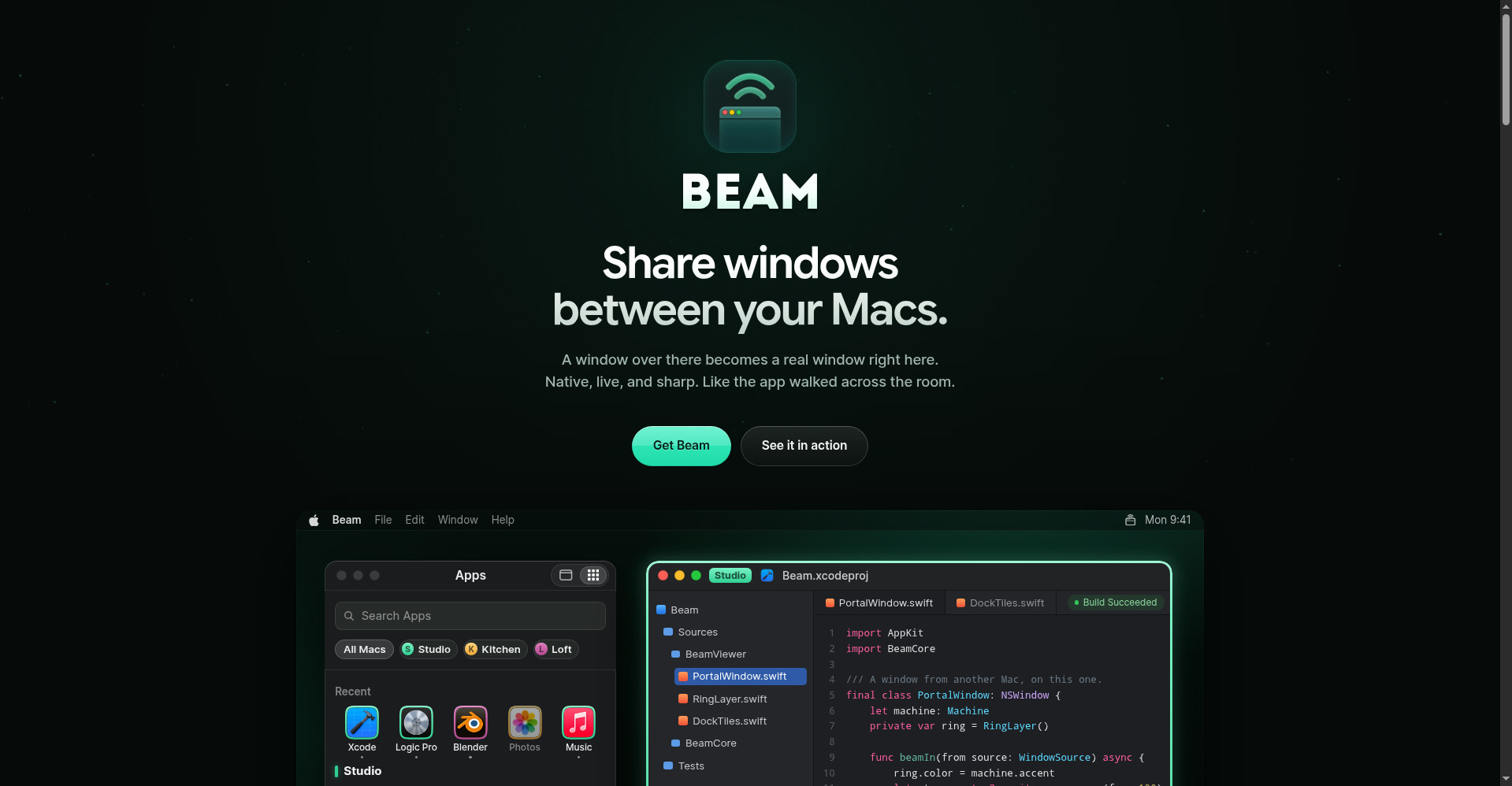
Beam.win homepage
1 / 2Overview
What is Beam.win?
Run AI agents on one Mac and use its windows on another
Beam.win lets you run AI agents and builds on a Mac mini or Studio while working from the Mac in front of you. Instead of a remote-desktop video stream, Beam brings the remote Mac's Terminal, browser, and app windows onto your local Mac as real, native windows — each with its own Dock icon and Cmd+Tab presence.
Everything is encrypted directly between your Macs: windows, keystrokes, clipboard, and audio never pass through Beam's servers. It renders at your display's exact resolution for Retina-sharp text, works over a local network without internet, and lets you share a single window with anyone through a browser link — no app install needed for guests.
Pricing is per person, not per Mac: a free plan includes 20 minutes a day, the Subscription is $7/month ($84/year) for unlimited use, and a $199 Lifetime plan covers every future update. Monthly and Yearly plans start with a 14-day free trial, and teams are available per seat.
Platforms and languages
Beam.win Availability
Platforms
Languages
Capabilities
Beam.win Key Features
Real windows, not video streams
Windows from the remote Mac appear on your Mac as genuine windows with their own Dock icons and Cmd+Tab presence.
Native-feeling interaction
Dragging a window corner locally resizes the real window on the other Mac, and keyboard shortcuts work as expected.
Encrypted Mac-to-Mac transfer
Windows, keystrokes, clipboard, and audio travel directly between your Macs with encryption instead of passing through vendor servers.
Retina-sharp rendering
Transmits at your local display's exact resolution so text stays crisp without scaling.
Browser viewing and file transfer
Share links open a single window in any browser for guests without the app, and files can be dragged or pasted across Macs.
Best for
Who uses Beam.win?
Developers and creators who own multiple Macs
Run AI agents, builds, or headless servers on a Mac mini or Studio while using their windows natively from the Mac in front of them
Plans and access
Beam.win Pricing
Freemium
Free plan with 20 min/day; Subscription $7/mo ($84/yr); Lifetime $199 one-time; 14-day free trial on paid plans.
Common questions
Beam.win FAQs
What do I need to use Beam.win?
Two Apple silicon Macs running macOS Sonoma or later, with Beam installed on both and signed in once.
Is my data private?
Yes. Windows, keystrokes, clipboard, and audio are encrypted directly between your Macs and do not pass through Beam's servers. Hidden windows and password managers are excluded from the window picker.
Can I share a window with someone who has not installed Beam?
Yes. Share links open a single window in any browser on any device, free for the guest. Links default to view-only, can grant control, and expire between one hour and one week.
Does it work without internet?
Yes, on the same local network Macs connect directly. Paid plans can work offline for up to 30 days; the free plan's daily minutes need a connection to refresh.
Do I pay for every Mac?
No — you pay for yourself. One plan covers every Mac you sit at. You can cancel anytime from your account page and keep paid features until the paid period ends, then drop to the free plan.
Reviews
See what the community thinks and share your experience.
—
Based on 0 ratings
Rating distribution
Community reviews
No reviews
No written reviews yet.