Understand what you read, in any language. Summarize files, links and YouTube videos.
grasp-homepage-1440x900.png
Overview
What is Grasp?
Understand what you read. In any language.
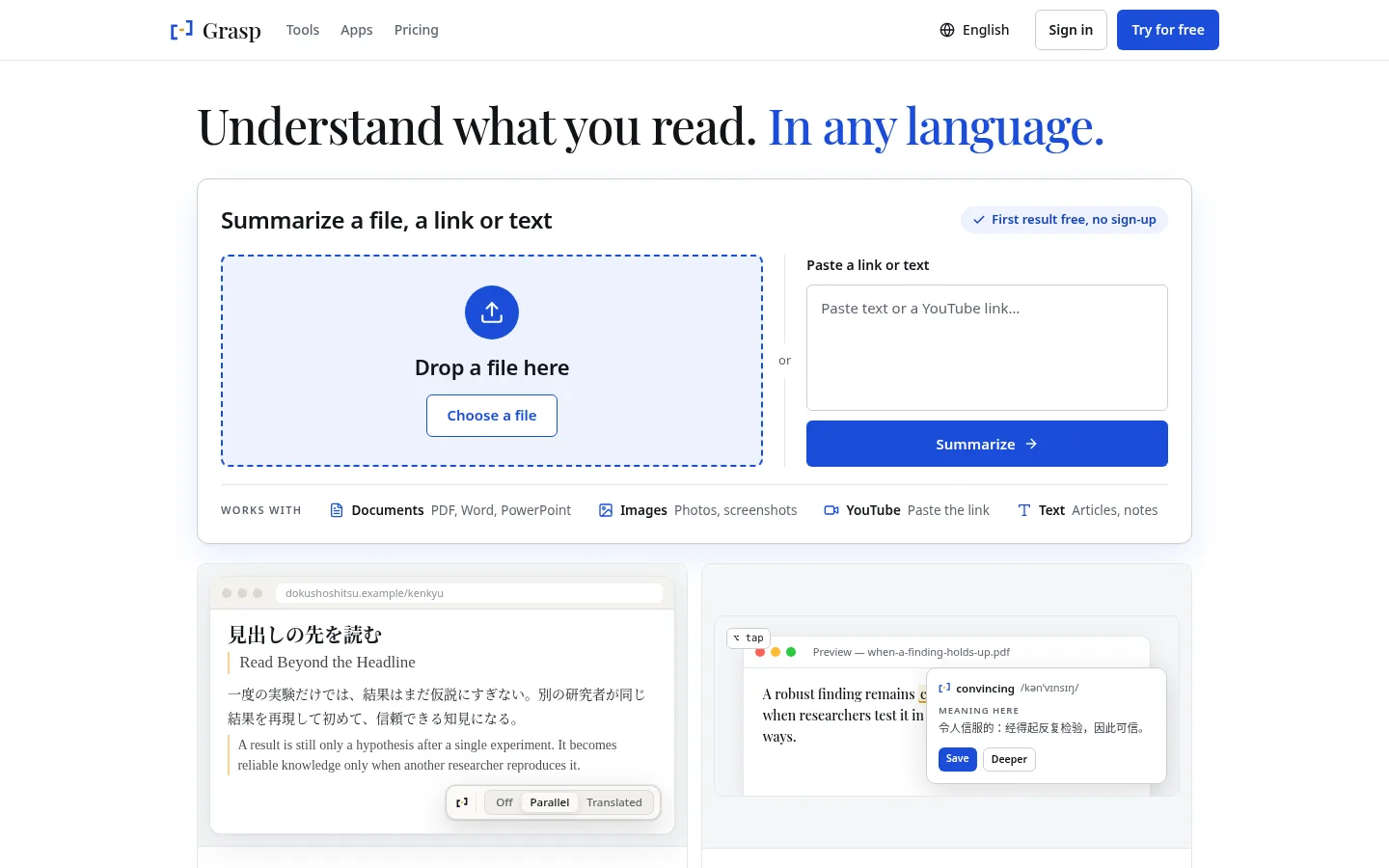
Grasp helps you understand what you read, in any language. On grasp.info you can drop in a document, an image, a YouTube link or plain text and get a summary, key points, answers from the file, meeting minutes, text from images, quizzes and citations. Grasp for Chrome (also in Edge) shows an AI translation beneath each paragraph of a web page and keeps the original, and explains a word in the sentence it is in. Grasp for Mac does the same for any app on screen. One account and one plan cover all of them, and you can try it free.
Platforms and languages
Grasp Availability
Platforms
Languages
Capabilities
Grasp Key Features
Summarize files, links and videos
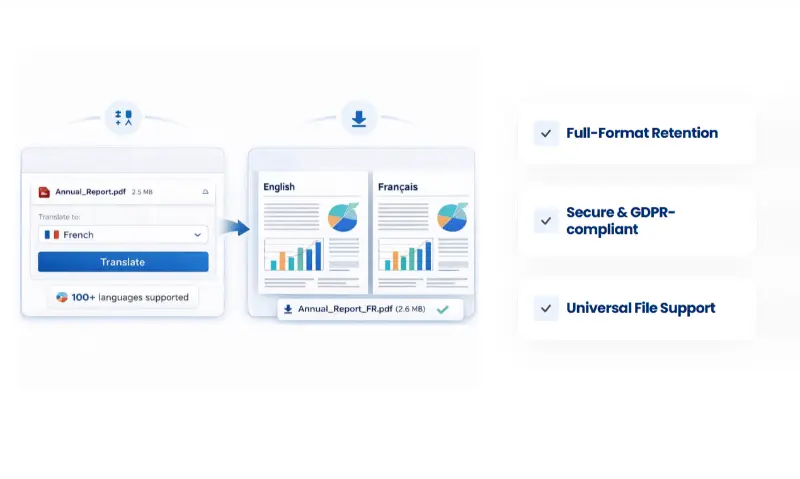
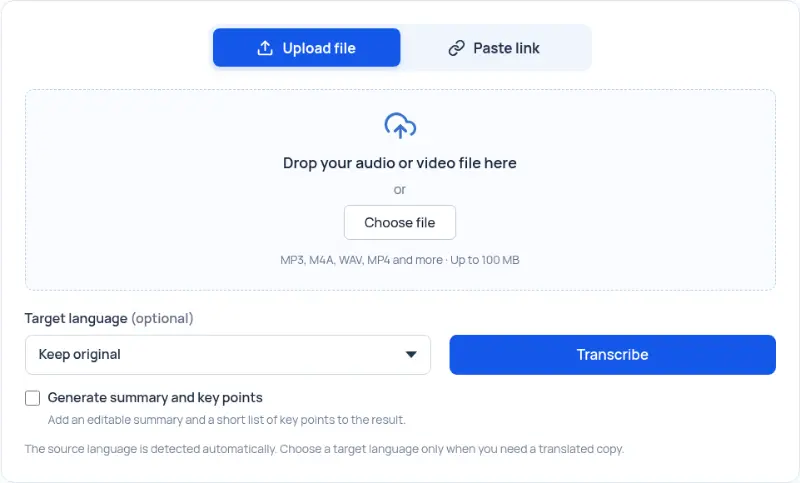
Drop in a document, an image, a YouTube link or plain text and get a summary, key points, answers from the file, meeting minutes, text from images, quizzes and citations.
Translate web pages beside the original
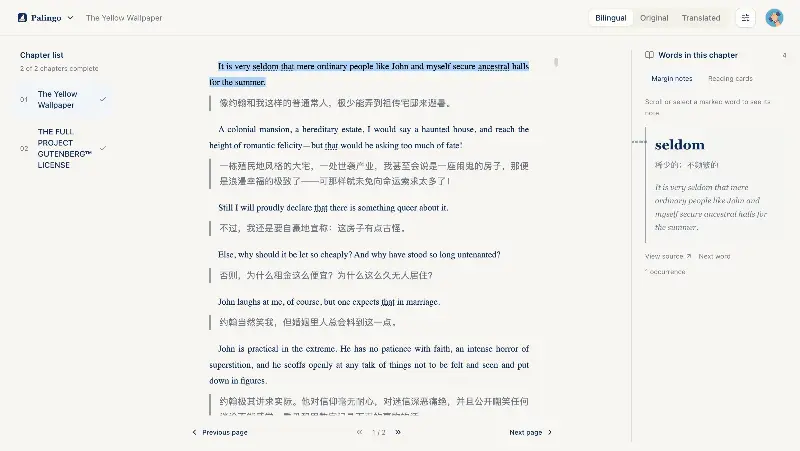
Grasp for Chrome (also in Edge) shows an AI translation beneath each paragraph of a web page and keeps the original in view.
Explain a word in its sentence
Grasp for Chrome and Grasp for Mac explain a word in the sentence it is in; on Mac this works in any app on screen.
Plans and access
Grasp Pricing
Freemium
Free plan: web tools 5 runs a day with an account; Premium from $7.99/month billed yearly.
Grasp Alternatives
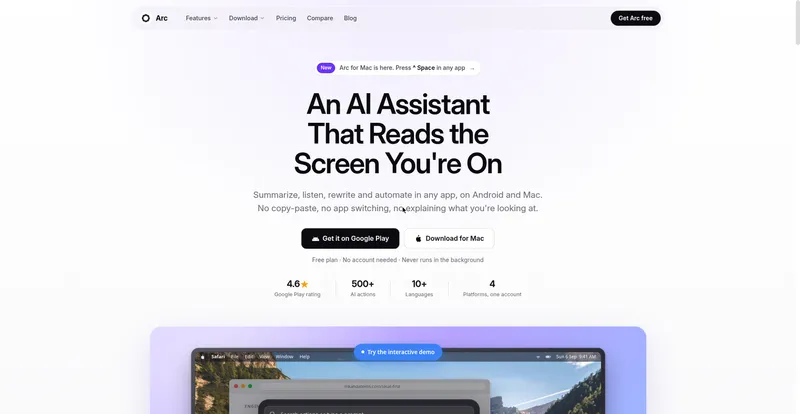
 ArcArc is a floating AI sidebar for Android and Mac that summarizes, reads aloud, and rewrites whatever is on your screen — no copy-paste, no app switching.
Reviews
See what the community thinks and share your experience.
—
Based on 0 ratings
Rating distribution
Community reviews
No reviews
No written reviews yet.