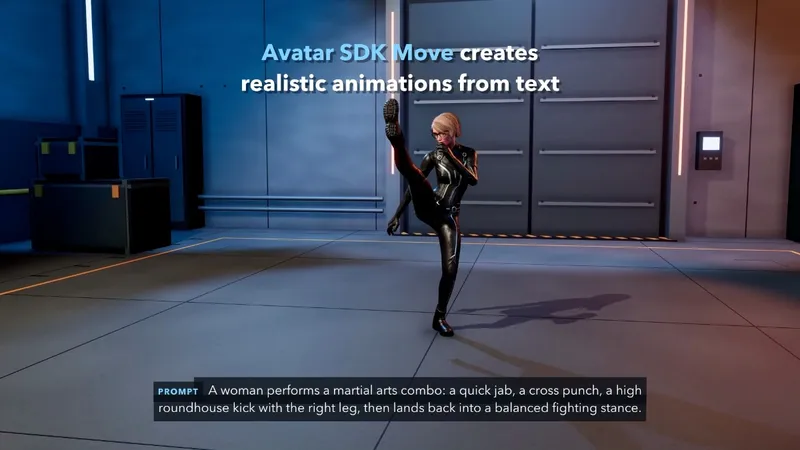
Mocap is available to everyone, just from your smartphone for creators, no costly suit is needed now.
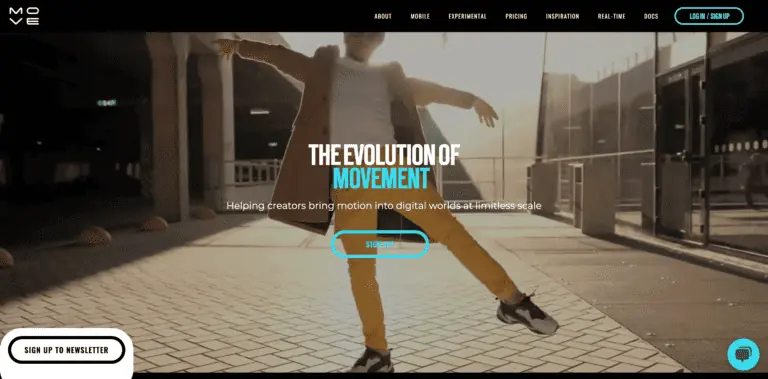
Product screenshot
Overview
What is Move AI?
Move AI: Revolutionizing 3D Animation with Markerless Motion Capture
Move AI is at the forefront of revolutionizing the way 3D animations are created, offering a suite of markerless motion capture products that enable anyone to capture and create high-quality 3D animations from 2D video. This technology leverages advanced AI, computer vision, biomechanics, and physics to bring realistic human motion to animated characters, making it accessible for both indie and AAA studios.
Key Features
- Markerless Motion Capture: No suits or markers required, simplifying the capture process.
- Single and Multi-Camera Options: Utilizes phones and standard cameras for flexibility.
- Capture Anywhere: Supports up to 22 people simultaneously in any environment.
- High-Quality Motion Data: Advanced AI and physics models ensure detailed motion data, including finger tracking.
- Large Volume Capture: Capable of capturing in both small and large spaces (5m x 5m to 20m x 20m).
- Real-Time Motion Tracking: Offers real-time capture with post-processing capabilities.
- Easy Retargeting: Exports to FBX and USD formats for integration with preferred 3D animation software.
Main Use Cases
Move AI is widely adopted in various sectors, including game development, music video production, and brand activations. Notable users include Electronic Arts (EA), Eye Garden for MGMT's "Mother Nature" music video, and OMM for Nike Euro 2024 activations.
User Experience
Users praise Move AI for its ease of use and the quality of motion data it captures, streamlining the animation process and enhancing the realism of 3D characters.
How to Use
To get started with Move AI, users can try Move One for free and explore the various plans available. The platform supports both single and multi-camera setups, allowing for flexible capture options in any environment. Exporting motion data to popular 3D animation software is straightforward, thanks to the support for FBX and USD formats.
Potential Limitations
While Move AI offers a groundbreaking approach to motion capture, it may require a learning curve for users unfamiliar with AI and computer vision technologies. Additionally, the quality of the capture may depend on the lighting and environment, which users need to consider for optimal results.
Platforms and languages
Move AI Availability
Platforms
Languages
Compare similar tools
Move AI Alternatives
 StivioStivio turns a single photo into a moving HD video. Upload an image, describe the motion in plain English, and six leading AI video models render an HD MP4 in one to five minutes.AI Video CreationAI Image GenerationAI Creation Generationimage to videoai video generatorphoto animation
 UGCfy AICreate AI-generated UGC-style video ads from product links, with scripts, hooks, AI actors, captions, and export-ready formats.5.0(1 reviews)AI Video CreationAI Marketing ToolsAI Content Generationugc adsai video adsecommerce marketing
 OpuslyOpusly is an AI studio for creators — generate images and videos with auto-picked best models (Nano Banana 2, GPT-Image-2, Seedance 2.0), or use one-click scene templates like Italian Brainrot and MSPaintify. Free signup includes 30 credits.AI Image GenerationAI Video CreationAI Design Art
 Unbound AICreate uncensored and unrestricted AI images and videos with optional music, voice, and sound effects.AI Image GenerationAI Video CreationAI Audio Tools
 ImgfreeImgfree is a free AI image and video generator that allows users to create stunning visuals from text prompts, offering unlimited access to various AI models without the need for credits.AI Image GenerationAI Video CreationAI Design Art
 Modellix.aiModellix is a MaaS (Model as a Service) platform that provides unified API access to maintream AI models, covering text-to-image, text-to-video, image-to-image, image-to-video, video editing, and more. Supported models include Nano Banana, Kling, Veo, Seedance, Seedream, Minimax, Qwen, Wanx, GPT, and others.
Whether you’re a developer building AI-powered applications or a creator producing visual content, Modellix provides the tools you need through a single API.AI Video CreationAI Marketing ToolsAI Image Generation
Modellix.aiModellix is a MaaS (Model as a Service) platform that provides unified API access to maintream AI models, covering text-to-image, text-to-video, image-to-image, image-to-video, video editing, and more. Supported models include Nano Banana, Kling, Veo, Seedance, Seedream, Minimax, Qwen, Wanx, GPT, and others.
Whether you’re a developer building AI-powered applications or a creator producing visual content, Modellix provides the tools you need through a single API.AI Video CreationAI Marketing ToolsAI Image Generation IdoliAIIdoliAI for Image & Video GeneratorAI Creation GenerationAI Image GenerationAI Video CreationAI Image GeneratorAI Art GeneratorAI Video Generator
 AstreaCreate video ads with AI. Keep new ideas coming.AI Video CreationAI Marketing ToolsAI videovideo adsmarketing
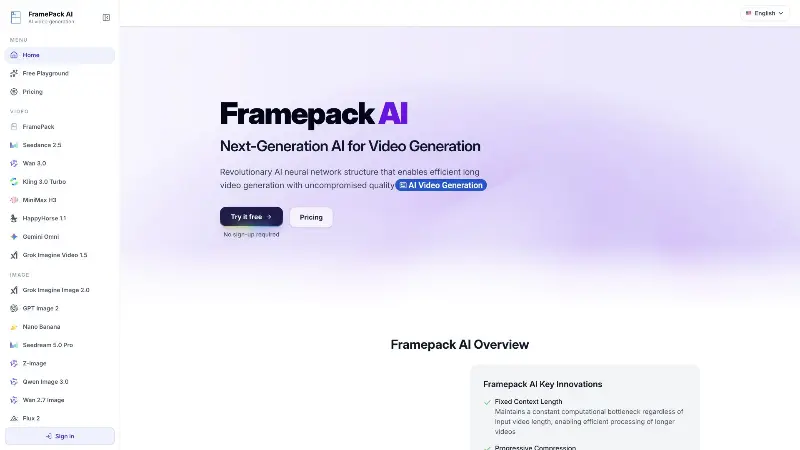 FramePack AIFramePack AI is an online workspace for AI video and image generation, with multiple modelsAI Video CreationAI Design ToolsAI Productivity ToolsDesignAIVideo
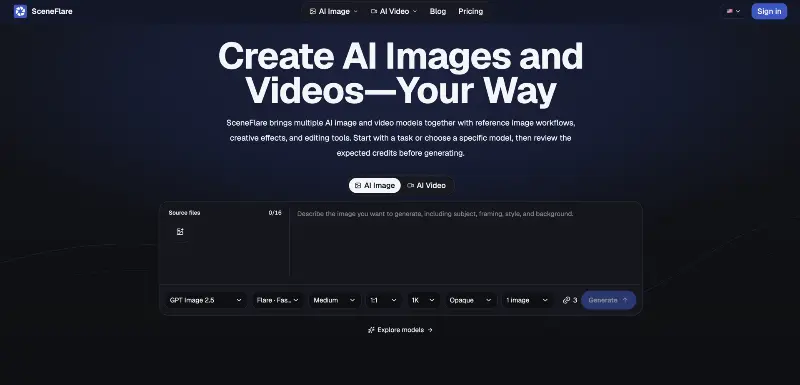 SceneflareGenerate AI images and videos, edit source assets, compare model workflows, and manage credits.AI Creation GenerationAI Image GenerationAI Video Creation
Reviews
See what the community thinks and share your experience.
—
Based on 0 ratings
Rating distribution
Community reviews
No reviews
No written reviews yet.