Free open-source Mac voice assistant in the notch: dictation plus screen-aware voice commands.
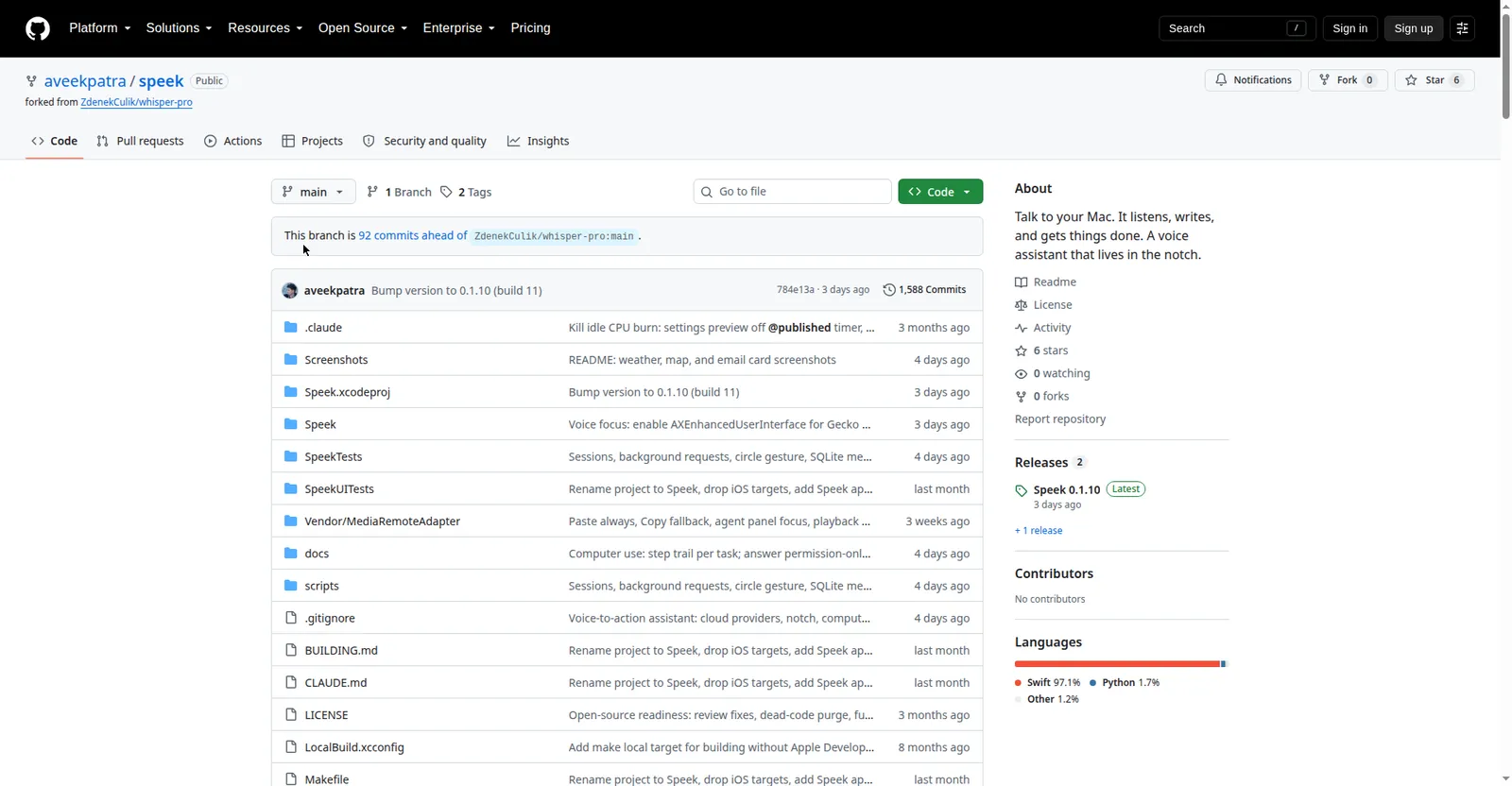
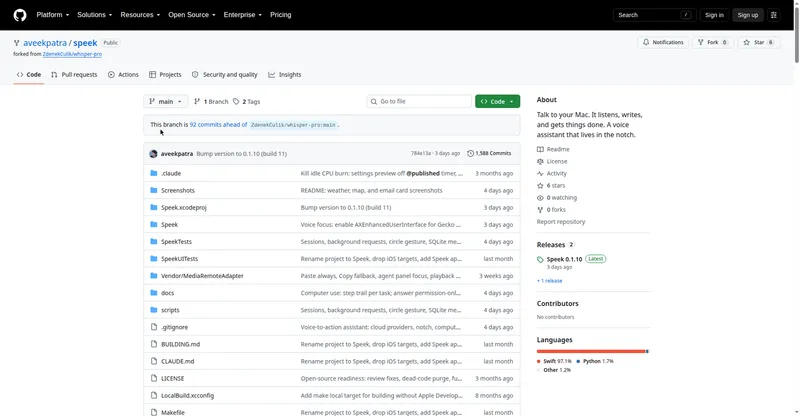
Speek GitHub repository
Overview
What is Speek?
Talk to your Mac. It listens, writes, and gets things done.
Speek is a free, open-source voice assistant for macOS that lives in the Mac's notch. Hold a key and talk: it types what you say into any app, or does what you ask using your apps, accounts, and whatever is on screen.
It's screen-aware — circle something with the pointer and 'this' means exactly that. It controls Mac apps (Mail, Calendar, Reminders, Notes, Music/Spotify, files), connects services via MCP plugins, and runs voice activation ('Hey Speek' or a custom name) with on-device recognition.
Free under GPL-3.0; the repo is public on GitHub. You bring your own OpenRouter or OpenAI API key. Requires macOS 26, built with Xcode 26.
Platforms and languages
Speek Availability
Platforms
Languages
Capabilities
Speek Key Features
Dictation anywhere
Hold-to-speak shortcut, double-tap hands-free, or mouse button; types into any app and can polish wording.
Voice assistant in the notch
Chat or give commands: reply to messages, create calendar events, manage reminders and files.
Screen-aware
Speek sees what you're looking at — circle something and 'this' means exactly that.
Mac app control
Mail, Calendar, Reminders, Notes, Music/Spotify, files, media keys, and shell commands.
MCP plugins and memory
Connected services via MCP plugins plus memory, reusable prompts, and per-tool controls.
Best for
Who uses Speek?
Mac users who prefer voice over typing
Dictate into any app and control the Mac by voice
Plans and access
Speek Pricing
Free
Free and open source (GPL-3.0). Bring your own OpenRouter or OpenAI API key.
Common questions
Speek FAQs
How much does Speek cost?
Nothing. It's free software under the GNU GPL-3.0 license; the repo is public on GitHub.
What does the model cost?
You bring your own OpenRouter or OpenAI API key; model usage is billed by the provider.
Which Macs are supported?
It needs macOS 26 and builds with Xcode 26.
Is my voice sent to the cloud?
Voice activation runs recognition on the Mac; plugin sign-ins and memory are stored on the Mac.
Reviews
See what the community thinks and share your experience.
—
Based on 0 ratings
Rating distribution
Community reviews
No reviews
No written reviews yet.