PDF toolkit for Mac and web: 39 browser tools plus an offline AI Mac app that maps, organises and answers your PDFs.
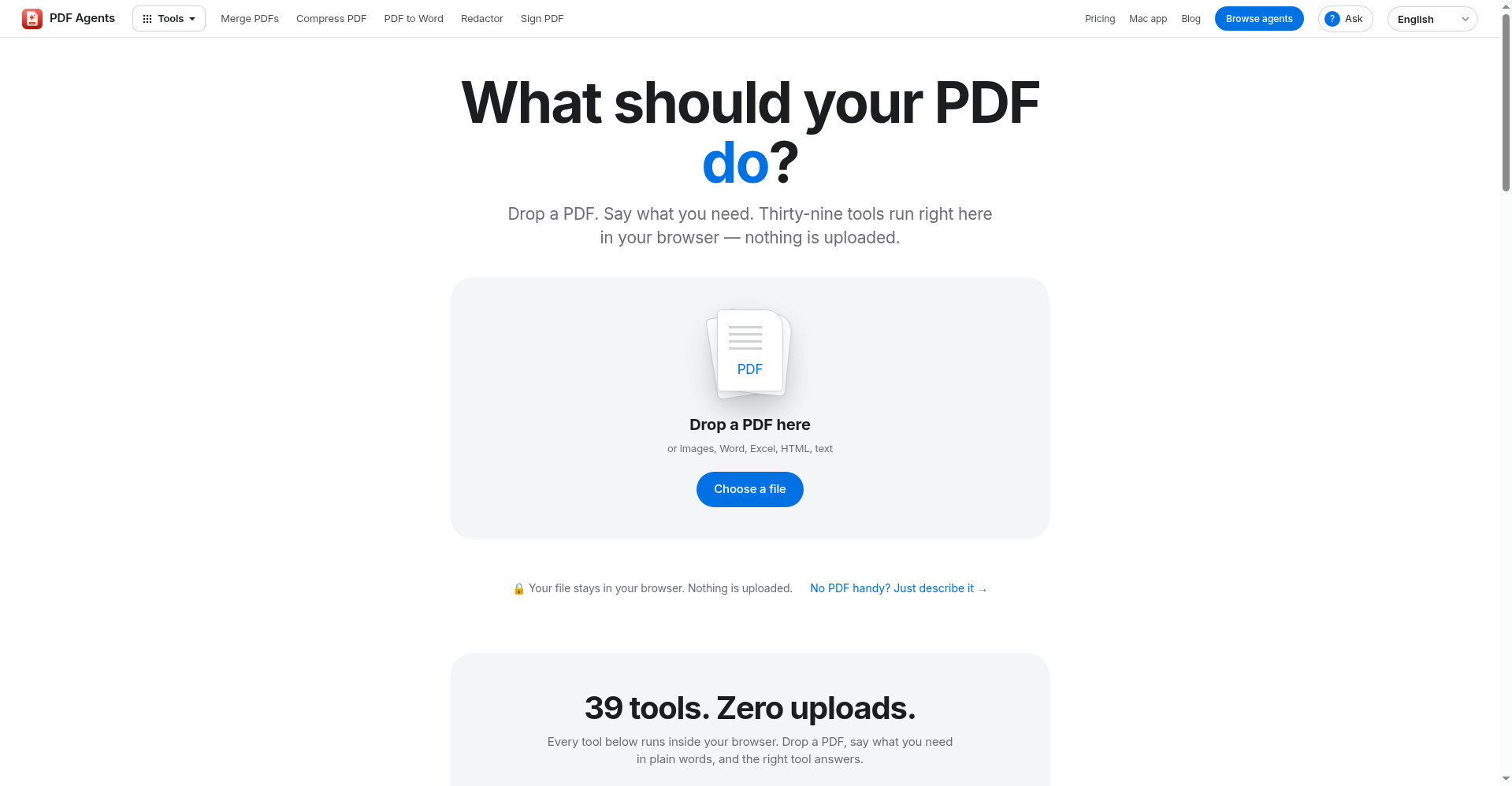
Homepage: drop a PDF and pick from 39 in-browser tools
1 / 3Overview
What is Offline PDF Agents for Mac?
Your PDFs, connected and explained, never uploaded
PDF Agents is an offline-first PDF toolkit that comes in two flavours: 39 tools that run directly in your browser and a native Mac app with AI agents for your whole document library.
Drop a PDF on the website and pick from merge, compress, OCR, redact, sign, PDF-to-Word and more — everything runs locally in the browser, results are shown on screen, and nothing is ever uploaded. Downloads are free to preview; paying $5 once per result downloads the finished file, no account needed.
The Mac app (macOS 15+, $29 one-time licence, no subscription) adds a PDF Map of your entire library, a document graph that links related quotes, invoices and contracts by client or topic, an Organizer that proposes tidy folder structures, a Finance Agent that parses income, spending and net profit from local bank statements, and Private AI — natural-language Q&A over your documents powered by on-device Apple Intelligence, even in flight mode. The licence covers 2 Macs.
Built for freelancers, small businesses and content creators who want PDF superpowers without sending sensitive documents to the cloud.
Platforms and languages
Offline PDF Agents for Mac Availability
Platforms
Languages
Capabilities
Offline PDF Agents for Mac Key Features
PDF Map
See all your PDFs on one map and get cleanup suggestions you can hand to the agents.
Document graph
Related documents are linked by client, brand or topic so quotes, invoices and contracts connect visually.
Private AI
Ask your documents in plain words. Runs on-device with Apple Intelligence, even in flight mode.
Finance Agent
Income, spending and net profit parsed locally from your bank statements, with natural-language money questions.
Organizer
Proposes tidy folder structures and sorts your scattered document library automatically.
39 in-browser tools
Merge, compress, OCR, redact, sign and convert — 39 tools that run right in your browser, nothing uploaded.
Zero uploads, no account
The app only touches files on your device and never sends them anywhere; no account needed.
Best for
Who uses Offline PDF Agents for Mac?
Freelancers and small businesses
Organise invoices, contracts and receipts, and prepare tax hand-over packages without uploading documents anywhere
Content creators
Convert, OCR, redact, sign and compress PDFs right in the browser with no account
Plans and access
Offline PDF Agents for Mac Pricing
Freemium
Free browser tier; $5 per result download; $29 one-time Mac licence (2 Macs), no subscription.
Common questions
Offline PDF Agents for Mac FAQs
Is it a subscription?
No. The Mac licence is a single $29 payment and the agents it unlocks stay unlocked forever.
What can I do without a licence?
You can open, read and search PDFs, view them all on the PDF Map, listen with Read aloud, scan with your iPhone, and use the basic agents: merge, split, rotate, crop, page numbers, watermarks and passwords.
Do I need Apple Intelligence?
Only for the Ask chat, the Finance Agent's chat and the Organizer's own proposals. Everything else works the same. Apple Intelligence features need macOS 26 on a Mac with Apple Silicon.
Are my documents uploaded anywhere?
No. The app works on the files on your Mac and never sends them anywhere.
What happens if I get a new Mac?
Your licence key works on up to 2 Macs. On a new Mac, just enter the same key.
Reviews
See what the community thinks and share your experience.
—
Based on 0 ratings
Rating distribution
Community reviews
No reviews
No written reviews yet.