LM Studio
Discover, download, and run local LLMs — a powerful desktop app for on-device AI.
Desktop app to run open LLMs locally on macOS, Windows, and Linux — chat UI, OpenAI-compatible local server, offline transcription. Free plan.
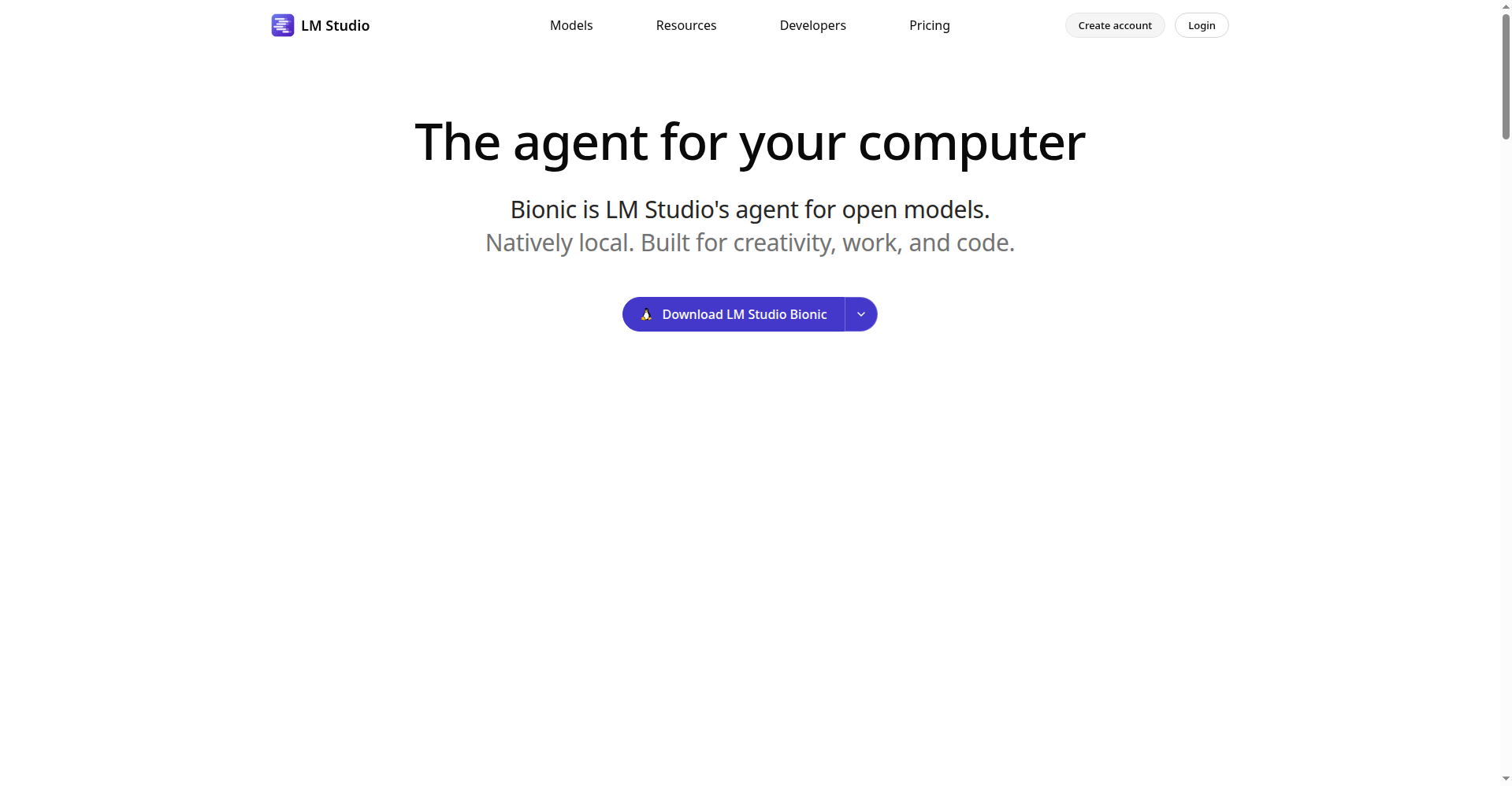
LM Studio homepage — local LLM desktop app
Overview
What is LM Studio?
Discover, download, and run local LLMs — a powerful desktop app for on-device AI.
LM Studio is a desktop application for running open large language models locally on your own computer. Its Bionic app is a local AI agent for creative work, coding, and documents that runs downloaded models on-device via the LM Studio runtime (llama.cpp and MLX), with optional pay-as-you-go cloud inference for heavier tasks.
The Free plan ($0) covers the Bionic Agent, local LLMs, offline voice transcription, and LM Link for up to 5 devices. Bionic+ ($20/month) and Pro ($100/month) add cloud inference usage; LM Studio itself is freeware, not open-source.
Platforms and languages
LM Studio Availability
Platforms
Languages
Capabilities
LM Studio Key Features
Local model library
Download and run GGUF (llama.cpp) and MLX models directly inside the app.
Chat UI
Point-and-click chat interface — no terminal required.
Local OpenAI-compatible server
Programmable server at http://localhost:1234/v1 for apps and coding tools.
Cross-platform
macOS Apple Silicon, Windows (x64/ARM), and Linux (AppImage).
Offline voice transcription
Fully local, real-time voice transcription — voice data never leaves the device.
Best for
Who uses LM Studio?
Individuals and developers
Chat with open LLMs privately on-device and connect apps via a local API
Plans and access
LM Studio Pricing
Freemium
Free $0 (Bionic Agent, local LLMs, offline transcription). Bionic+ $20/mo, Pro $100/mo. Cloud usage billed via credits.
Common questions
LM Studio FAQs
Is LM Studio free?
Yes — the Free plan ($0) includes the Bionic Agent and local model support. Bionic+ ($20/mo) and Pro ($100/mo) add cloud inference.
Can I run models fully locally without the cloud?
Yes. Local inference runs on your machine; credits are only consumed for cloud models.
Which platforms are supported?
macOS on Apple Silicon (M1–M4), Windows (x64 and ARM), and Linux (x64/ARM64 via AppImage). 16GB+ RAM recommended.
How do apps connect to LM Studio?
Via its OpenAI-compatible local server at http://localhost:1234/v1.
Reviews
See what the community thinks and share your experience.
—
Based on 0 ratings
Rating distribution
Community reviews
No reviews
No written reviews yet.