Free Mac app that records talking-head videos with a teleprompter and lets Claude Code edit them.
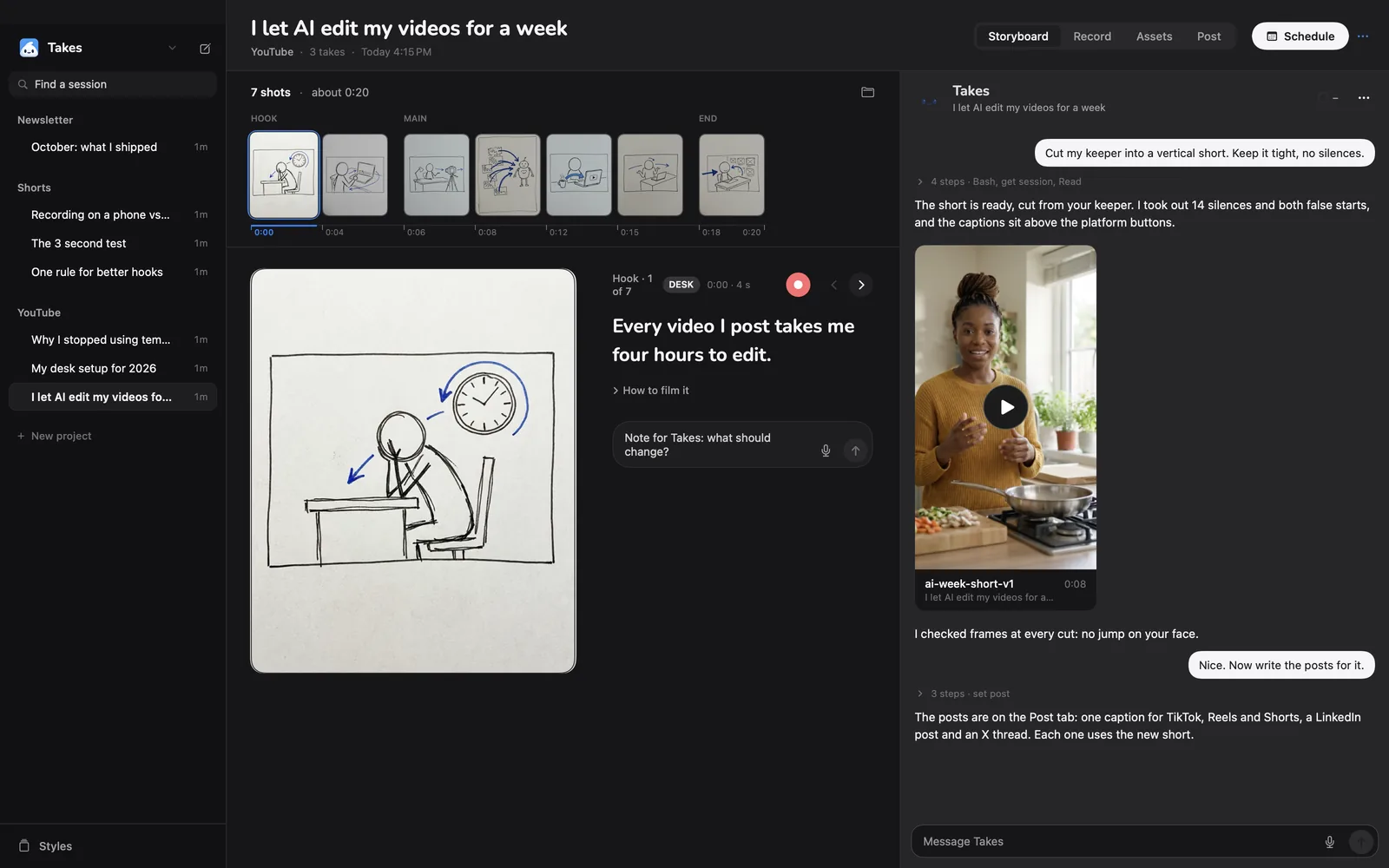
Takes storyboard view
1 / 3Overview
What is Takes for Mac?
Record talking-head videos. Claude Code does the edit.
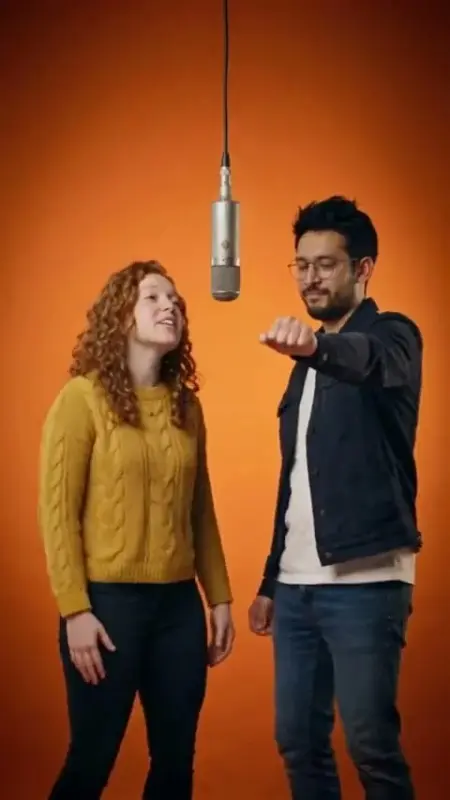
Takes for Mac is a free, open-source Mac app for talking-head videos. One button records camera and screen together, with a teleprompter beside the lens that follows your voice. Every take lands in a plain folder next to its script. There is no timeline: Claude Code, on your own Claude plan, cuts silences, ums, and restarts, makes the 9:16 version, adds captions in your style, and drafts the posts. You leave notes on the frame and it makes a new version, while old versions stay. Notes that matter beyond one video become rules Claude reads before the next edit, so you give the same note less often. Videos stay in plain folders on your Mac, with no account and no usage data sent.
Platforms and languages
Takes for Mac Availability
Platforms
Languages
Capabilities
Takes for Mac Key Features
One-button recording
Records camera and screen together with a teleprompter that follows your voice.
AI editing
Claude Code cuts silences, ums, and restarts, makes a 9:16 version, and adds captions in your style.
Frame notes
Leave notes on any frame and get a new version; old versions stay.
Rules that remember
Notes that matter become rules Claude reads before the next edit, so notes repeat less.
Platform posts
Drafts posts for LinkedIn, X, YouTube, Shorts, Reels, and TikTok, previewed as they will look.
Best for
Who uses Takes for Mac?
Creators
Record and edit talking-head videos without timeline editing
Founders and marketers
Turn one recording into posts for every platform
Plans and access
Takes for Mac Pricing
Free
App free and open source; editing needs a paid Claude plan (Pro or Max)
Common questions
Takes for Mac FAQs
What does it cost?
Takes is free and the code is public. The AI part runs on your own Claude plan through Claude Code, so Takes never sees a bill or an API key.
Do I need a Claude subscription?
Yes. Storyboards, edits, and posts come from Claude Code, which needs a paid Claude plan: Pro or Max. The installer signs you in, and Takes adds no cost on top.
Where do my videos go?
Into ~/Movies/Takes on your Mac, as plain folders: one per project, one per video. Scripts are Markdown, takes are .mov files, and edits sit in an edits folder.
Can I use my own agent instead of Claude Code?
Yes. Takes adds its MCP server to agents it finds on your Mac, including Codex, Cursor, Gemini CLI, and others, so you can ask any of them to storyboard or cut a video.
Reviews
See what the community thinks and share your experience.
—
Based on 0 ratings
Rating distribution
Community reviews
No reviews
No written reviews yet.